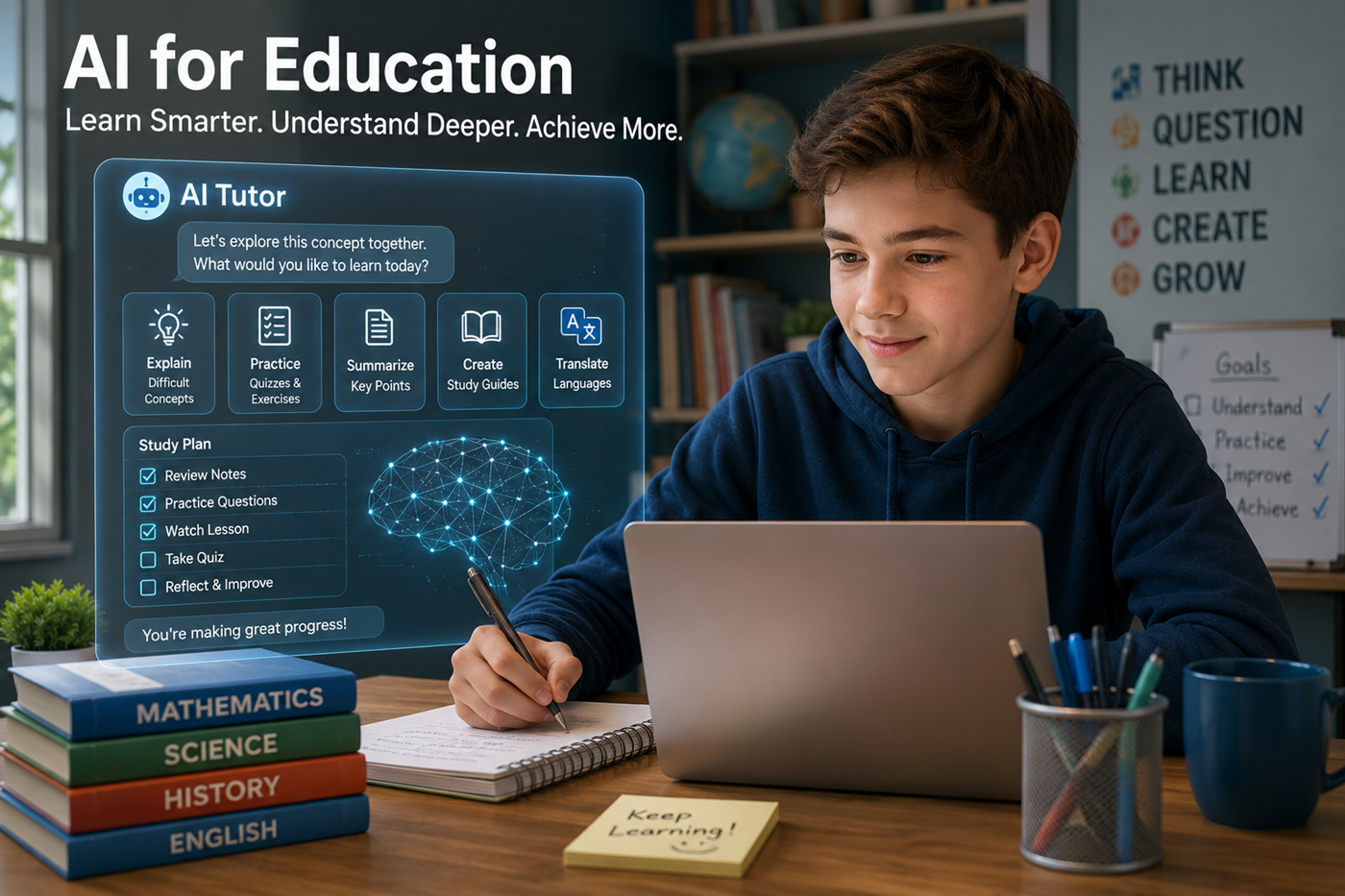
Explain Difficult Concepts
Ask for a simpler explanation, a real-world example, an analogy, a visual description, or a step-by-step breakdown.
Learn how students, teachers, parents, schools, homeschool families, and lifelong learners can use artificial intelligence for tutoring, research, study, creativity, accessibility, and responsible learning.
Artificial intelligence can help people understand difficult subjects, practice skills, create learning resources, receive feedback, and explore ideas through conversation.
Students can use AI as a tutor, study partner, explainer, quiz creator, reading assistant, language helper, and brainstorming tool.
Teachers can use AI to support lesson planning, differentiation, assessment design, accessibility, classroom resources, professional learning, and administrative organization.
Parents and homeschool families can use AI to create structured learning activities, explain unfamiliar subjects, support research, and adapt material to a learner’s age and needs.
The strongest educational use does not ask AI to do the learning for the student. It uses AI to make the student think, question, explain, practice, create, and improve.
Educational uses should be matched to the learner’s age, ability, school rules, privacy needs, and learning goals.
Ask for a simpler explanation, a real-world example, an analogy, a visual description, or a step-by-step breakdown.
Turn approved lessons, readings, notes, or source material into organized review guides and key-concept lists.
Create multiple-choice, true-or-false, short-answer, matching, and application questions at different difficulty levels.
Ask AI to identify unclear reasoning, missing evidence, weak organization, grammar problems, or areas needing more explanation.
Define unfamiliar words, summarize approved material, identify themes, create questions, and adapt difficult passages.
Brainstorm ideas, organize arguments, revise drafts, strengthen transitions, check clarity, and practice different writing styles.
Develop research questions, locate sources, compare viewpoints, organize evidence, and identify claims requiring verification.
Practice vocabulary, grammar, translation, pronunciation guidance, role-playing, reading comprehension, and conversation.
Simplify text, create alternate explanations, produce summaries, support language needs, and adapt material into different formats.
Develop stories, experiments, projects, role-playing scenarios, design challenges, music ideas, art prompts, and presentations.
Adjust explanations, examples, reading levels, practice frequency, difficulty, pace, and study plans.
Practice critical thinking, source evaluation, AI literacy, prompting, digital responsibility, coding, and problem-solving.
Use AI in a way that requires the learner to think before, during, and after the interaction.
Identify the subject, learning objective, assignment rules, and desired level of understanding.
Let the learner first explain, solve, outline, read, or answer without AI assistance.
Use AI for explanation, examples, feedback, hints, questions, or alternate approaches.
Complete new problems, quizzes, explanations, discussions, or applications without copying.
Check facts, citations, calculations, quotations, and explanations against approved sources.
Explain what was learned, what changed, what remains confusing, and what should be practiced next.
A useful AI tutor should help the learner discover the answer through questions, hints, examples, and feedback.
Students can tell the AI not to reveal the final answer immediately. The AI can ask what the student already knows, identify the first step, provide a hint, and increase support only when needed.
Preview key terms, background ideas, likely questions, and difficult concepts before encountering the lesson.
Ask for alternate explanations, examples, practice questions, definitions, comparisons, and hints.
Create recall questions, summaries from memory, flashcards, concept maps, and comprehension checks.
Use AI to brainstorm, organize, critique, and revise while preserving the student’s own ideas and voice.
Generate practice tests, mixed review questions, difficult scenarios, and explanations of missed answers.
Review mistakes, identify patterns, rebuild weak skills, and create a plan for improvement.
Teachers remain responsible for curriculum, accuracy, student safety, assessment, instructional decisions, and compliance with school policy.
Brainstorm objectives, activities, examples, discussion questions, extensions, and assessment opportunities.
Adapt reading level, complexity, vocabulary, scaffolding, examples, and practice for different learners.
Create question banks, rubrics, practice assessments, exit tickets, project criteria, and feedback frameworks.
Develop examples, worksheets, vocabulary lists, scenarios, reading questions, review games, and presentations.
Create plain-language versions, alternative formats, summaries, translations, and additional explanations.
Explore teaching strategies, prepare discussion questions, organize research, and reflect on classroom practices.
Define what students should know, understand, create, explain, or demonstrate.
Add grade level, subject, standards, learner needs, time, resources, and restrictions.
Request activities, examples, questions, adaptations, and assessment ideas.
Check facts, answers, reading level, sources, bias, accessibility, and appropriateness.
Apply teacher knowledge of the students, classroom, curriculum, and local requirements.
Review student response, revise the material, and record what should change next time.
Create balanced schedules containing reading, mathematics, science, writing, creativity, physical activity, and review.
Adapt difficult ideas to the learner’s age while preserving accuracy and important vocabulary.
Develop research projects, experiments, field activities, presentations, models, creative challenges, and community learning.
Generate new examples, quizzes, word problems, reading questions, writing prompts, and review activities.
Organize goals, completed work, strengths, difficulties, projects, reading lists, and future practice needs.
Help adults review unfamiliar subjects before teaching or discussing them with a child.
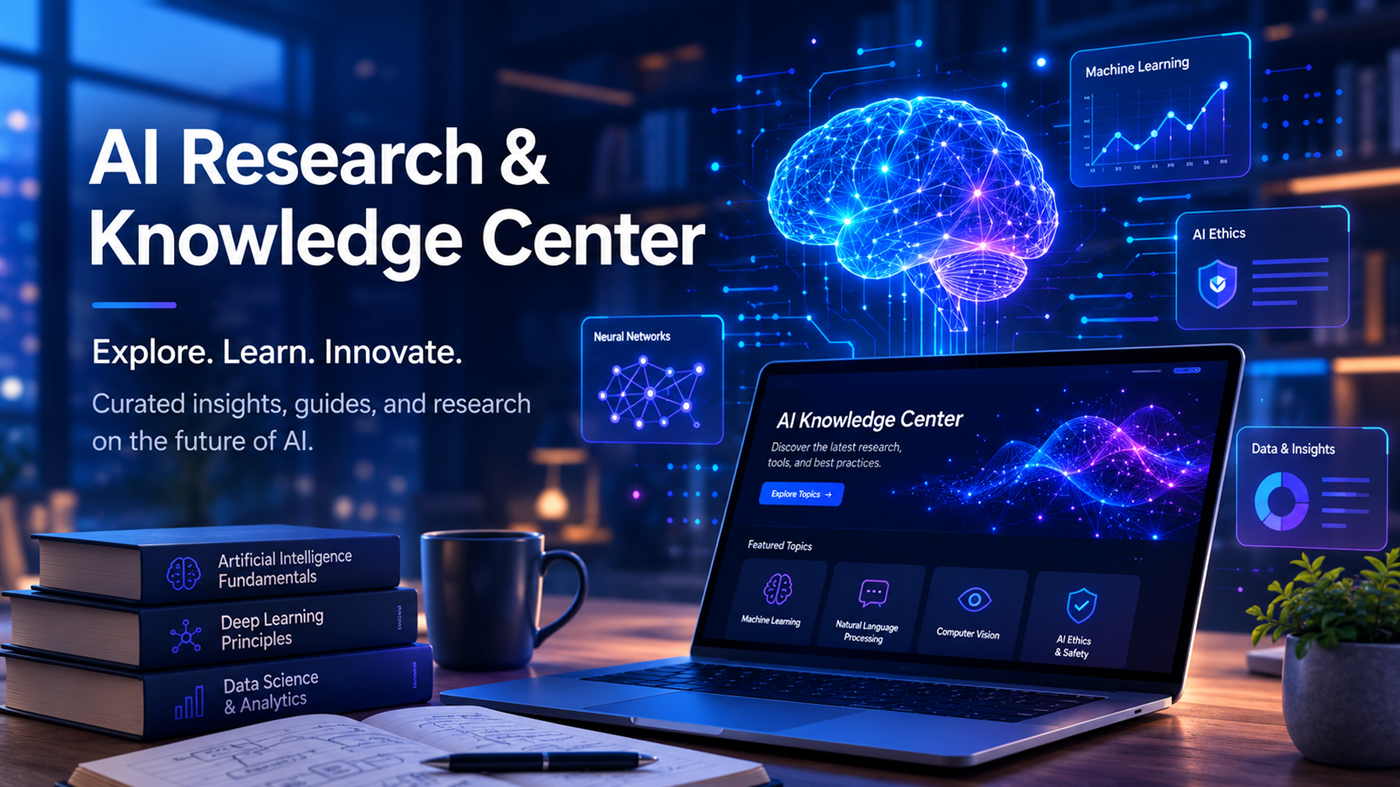
NotebookLM can help students and teachers work with approved readings, lecture notes, documents, videos, transcripts, presentations, and course materials.
Because responses are designed to remain grounded in selected notebook sources, learners can trace explanations and answers back to the material.
Useful for explanations, practice, writing feedback, planning, files, images, data, coding, and ongoing learning projects.
Explore ChatGPTUseful for substantial readings, long-form feedback, writing support, document analysis, Projects, and structured reasoning.
Explore ClaudeUseful for multimodal learning, Google-connected materials, Deep Research, Live conversation, study support, and Canvas.
Explore GeminiUseful for current research, source discovery, comparisons, timelines, follow-up questions, and inline web citations.
Explore PerplexityUseful for learning from a defined collection of readings, notes, videos, lectures, documents, and source-grounded materials.
Explore NotebookLMUseful for building educational applications, quizzes, simulations, progress trackers, certificates, dashboards, and coding projects.
Explore ReplitStudents should understand the difference between learning support and submitting work they did not create.
Teachers and schools may allow, limit, require disclosure of, or prohibit AI use for particular assignments.
The student should make the central decisions, explain the reasoning, understand the evidence, and be able to defend the work.
When required, identify how AI was used for brainstorming, explanation, editing, translation, coding, research, or feedback.
Do not submit a citation, quotation, statistic, book, paper, case, or source without confirming that it exists and supports the claim.
Notes, outlines, revisions, sources, prompts, and drafts can help demonstrate the student’s learning process.
When an assignment policy is unclear, ask the teacher before using AI rather than assuming that a use is permitted.
Learners should understand that fluent language is generated from patterns and does not guarantee factual accuracy.
AI can invent facts, citations, quotations, statistics, people, sources, links, and explanations.
Learners should distinguish primary sources, expert analysis, reporting, opinion, promotion, and anonymous claims.
Generated responses can reflect stereotypes, missing viewpoints, cultural assumptions, and uneven source material.
Students should understand what information should not be entered, uploaded, photographed, connected, or shared.
The person using AI remains responsible for checking, understanding, submitting, publishing, and acting on the result.
AI can help provide alternate explanations, formats, reading levels, translations, summaries, examples, and communication support.
These tools can supplement—but should not replace—qualified educational support, accessibility planning, assistive technology expertise, or individualized professional judgment.
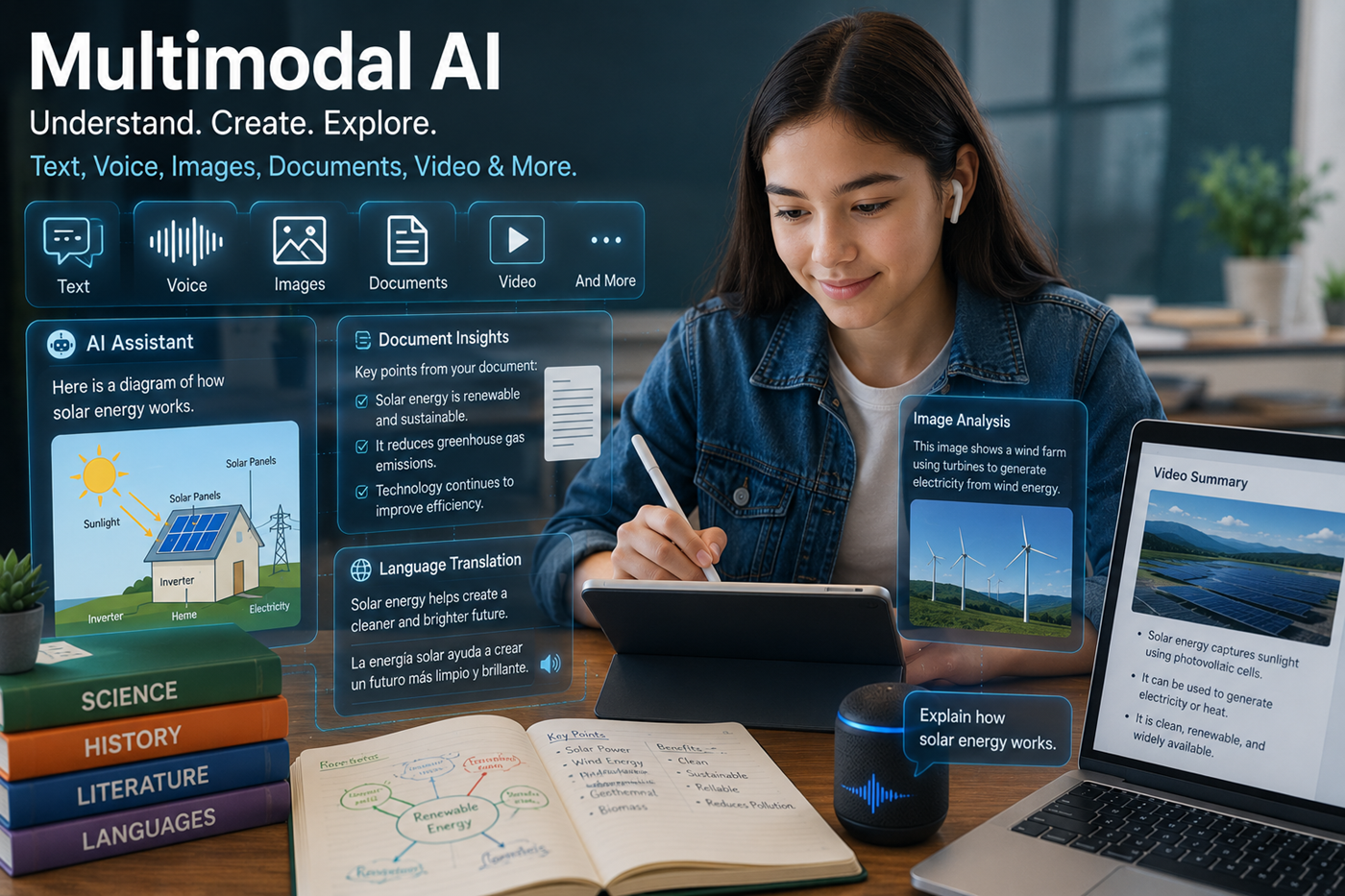
Research an event, verify dates and sources, then create an illustrated or interactive timeline.
Develop a question, hypothesis, procedure, safety plan, observation table, and presentation while conducting the real experiment independently.
Compare primary sources, identify competing interpretations, prepare arguments, and conduct a classroom debate.
Create exhibits, captions, maps, timelines, source notes, narration, and interactive displays around a researched subject.
Use Replit or another approved platform to build a quiz, glossary, simulation, calculator, flashcard system, or progress tracker.
Combine original analysis, quotations, verified background information, artwork, narration, and a student-created presentation.
AI can generate false facts, citations, quotations, statistics, links, answers, and explanations.
Understand hallucinationsStudents may complete tasks without practicing recall, reasoning, struggle, explanation, and independent problem-solving.
Constant AI use can reduce confidence and independence when students stop attempting tasks on their own.
Generated content may omit perspectives, reinforce stereotypes, oversimplify disputes, or reflect uneven source material.
Student prompts, files, photographs, accounts, educational records, and connected services may contain protected information.
Explore AI and privacyDifferences in devices, subscriptions, connectivity, training, language support, and adult guidance can create new educational gaps.
A finished answer may satisfy the task while preventing the student from developing the intended skill.
A clear explanation can still contain false facts, missing context, incorrect calculations, or invented sources.
Students learn more when they first try, identify the difficulty, and then request targeted support.
AI use may be acceptable for one assignment and prohibited or restricted for another.
Students and adults may upload names, records, photographs, assignments, or account information without considering privacy.
AI cannot replace teachers, parents, counselors, specialists, librarians, tutors, and trusted human relationships.
Replit and similar development platforms can help educators and creators transform lessons into interactive tools.
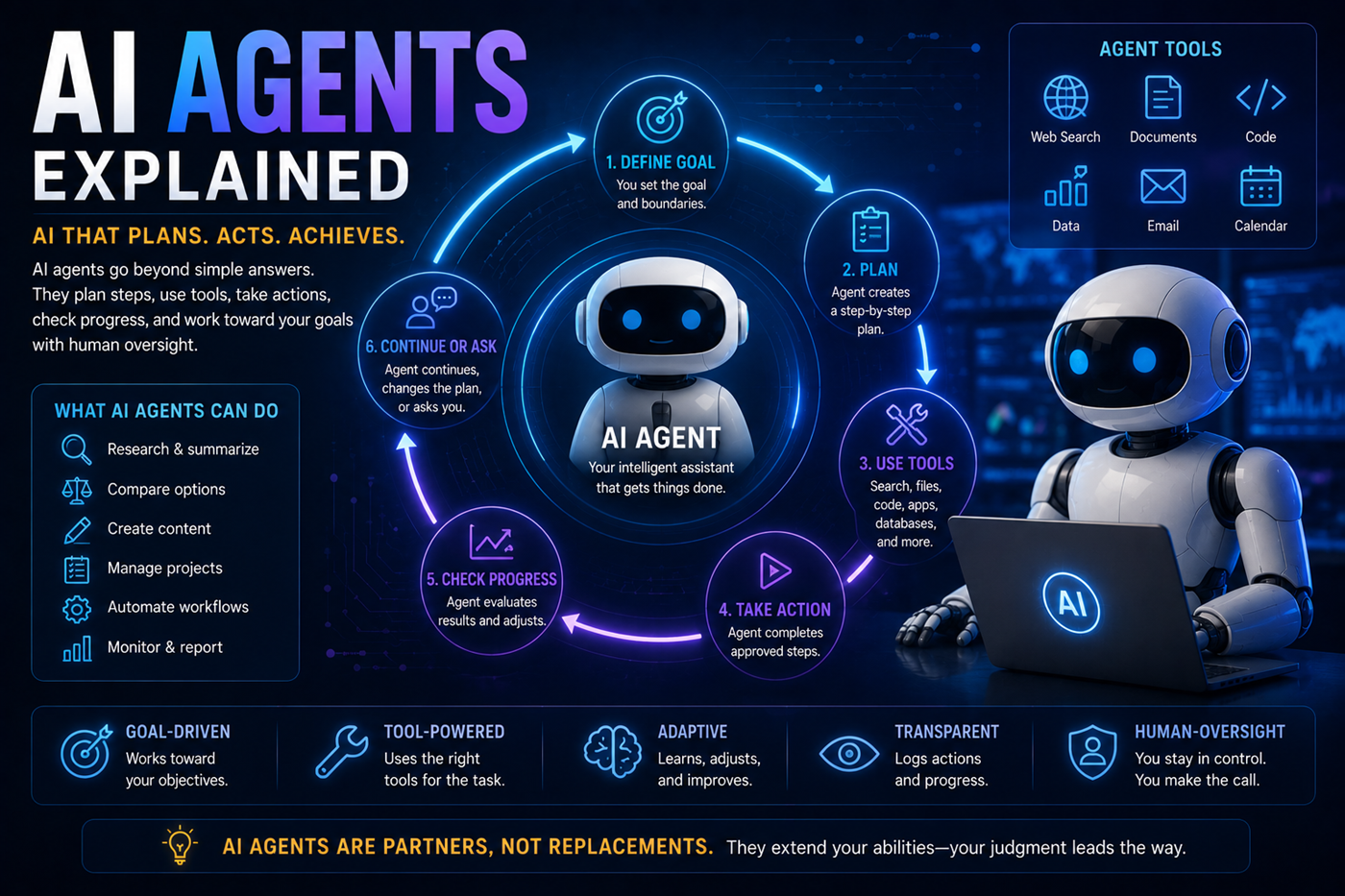
No. AI can provide explanations, practice, examples, and support, but it cannot replace human relationships, classroom leadership, professional judgment, motivation, safeguarding, emotional understanding, and responsibility.
AI use is not automatically cheating. It depends on the assignment rules, how the tool is used, whether assistance is disclosed, and whether the student remains responsible for the reasoning and final work.
Submitting AI-generated work as original student work when that use is prohibited may violate academic-integrity rules.
Students should follow teacher and school policies. AI can be useful for explanations, hints, practice, brainstorming, organization, and feedback when those uses are permitted.
AI can provide simpler explanations, additional examples, guided practice, hints, vocabulary support, study plans, and repeated feedback.
Persistent or serious learning difficulties should also be discussed with qualified teachers, specialists, counselors, or healthcare professionals.
AI can help brainstorm and draft lesson plans based on objectives, grade level, standards, time, materials, and learner needs.
The teacher should verify the content, adapt it to the actual students, and review all assessments and resources before use.
AI can assist with rubric-based feedback, identify patterns, and suggest areas for review.
Final grading decisions should remain under qualified human control, especially when the work affects student records, advancement, discipline, or access to opportunities.
Not always. AI can generate incorrect, outdated, incomplete, biased, or invented information.
Important claims should be checked against teacher-approved materials, original sources, textbooks, official documentation, and qualified expertise.
The best tool depends on the task. ChatGPT, Claude, and Gemini can provide broad tutoring and writing support. Perplexity can help with current cited research. NotebookLM is useful for approved source collections. Replit supports coding and interactive projects.
NotebookLM can be useful when students need to study from approved readings, lecture notes, documents, videos, and other selected sources.
Its citations make generated explanations easier to trace back to the original material.
No single detector or writing pattern can reliably establish how a piece of work was created.
Teachers can focus on the learning process through drafts, source notes, discussions, in-class writing, oral explanation, reflection, and assignment design requiring personal application.
Avoid sharing passwords, home addresses, precise locations, student identification numbers, private grades, medical information, disability records, disciplinary records, financial details, private family information, and confidential school data.
Yes. Homeschool families can use AI to create lesson ideas, explanations, practice questions, project plans, reading guides, schedules, and research support.
Adults should verify the material, follow local requirements, protect student privacy, and ensure that learners continue doing original work.
Teach students how AI generates responses, how hallucinations occur, how to evaluate sources, how to protect privacy, how to disclose assistance, and how to remain responsible for the final result.
Bruce Goldwell’s AI-related books explore prompts, productivity, publishing, education, business, research, applications, automation, creativity, and responsible AI use.
The books connect practical AI tools with learning systems for students, teachers, parents, authors, entrepreneurs, creators, professionals, and lifelong learners.
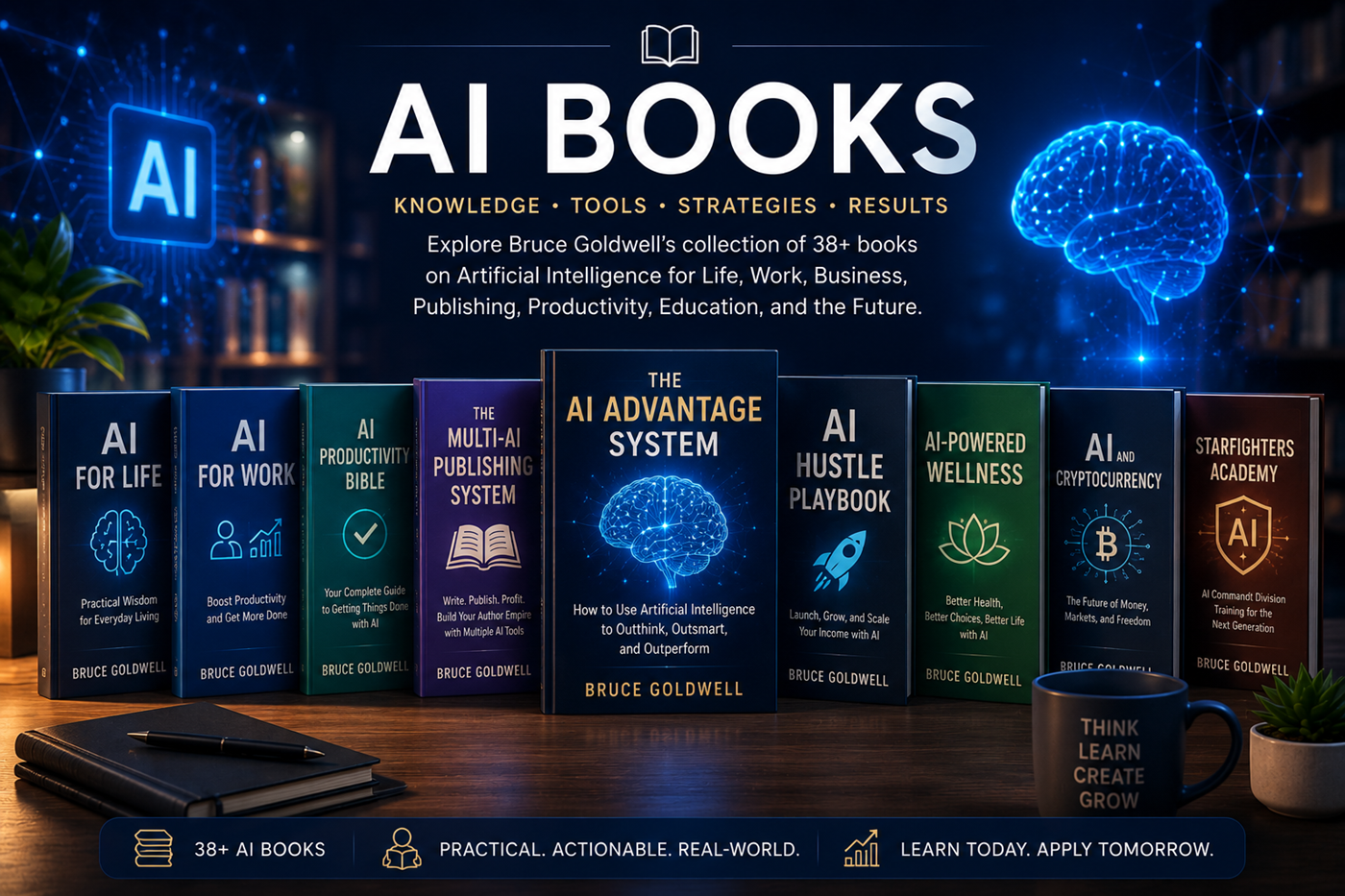
Explore the complete guides to ChatGPT, Claude, Google Gemini, Grok, Perplexity, NotebookLM, Replit, AI tool comparison, multi-AI workflows, verification, and hallucinations.