Write and Edit
Draft, rewrite, proofread, shorten, expand, organize, summarize, translate, and improve written material.
Learn how to use Gemini for writing, research, files, images, Deep Research, Canvas, Gems, Gemini Live, Google services, learning, planning, coding, and creative projects.
Google Gemini is an artificial intelligence assistant that can work with natural language, images, files, audio, video, code, web information, and supported Google services.
You can use Gemini to ask questions, brainstorm ideas, improve writing, analyze uploaded material, conduct research, generate images, prepare study resources, create code, build plans, and develop content through conversation.
Gemini’s connection to the larger Google ecosystem can make it especially useful for people who work with services such as Gmail, Google Drive, Google Docs, Google Calendar, Google Maps, Google Flights, and other supported applications.
Gemini is not one fixed tool with a permanent list of features. Available models, limits, media tools, Google connections, research features, voice capabilities, and subscription benefits can vary by account, device, age, region, language, and current product version.
Capabilities vary by plan and device, but Gemini can support many learning, productivity, research, technical, and creative tasks.
Draft, rewrite, proofread, shorten, expand, organize, summarize, translate, and improve written material.
Explore questions, locate current information, compare sources, organize findings, and identify areas requiring verification.
Conduct longer, multi-step investigations and produce organized reports using information from multiple sources.
Review supported documents, spreadsheets, images, videos, notebooks, and other uploaded material.
Create and edit images from natural-language instructions when supported image capabilities are available.
Some plans can generate short video content through supported Google video-generation systems.
Collaborate with Gemini while creating or revising documents, code, applications, slides, and other supported content.
Build customized Gemini assistants with instructions designed for a role, subject, workflow, or recurring task.
Hold natural spoken conversations, interrupt, ask follow-up questions, and use supported camera or screen-sharing features.
Ask Gemini to work with supported Google and third-party services when connections and permissions are enabled.
Generate explanations, quizzes, flashcards, study guides, practice questions, and personalized learning support.
Generate, explain, review, debug, organize, and revise code for websites, applications, tools, and automation.
Begin with a practical task instead of trying to master every Gemini feature at once.
Start with one question, document, plan, learning goal, or creative task.
Explain the purpose, audience, background, and important requirements.
Upload supported files, images, videos, or source material when useful.
Check clarity, accuracy, completeness, relevance, and supporting sources.
Request corrections, alternatives, examples, deeper analysis, or a new format.
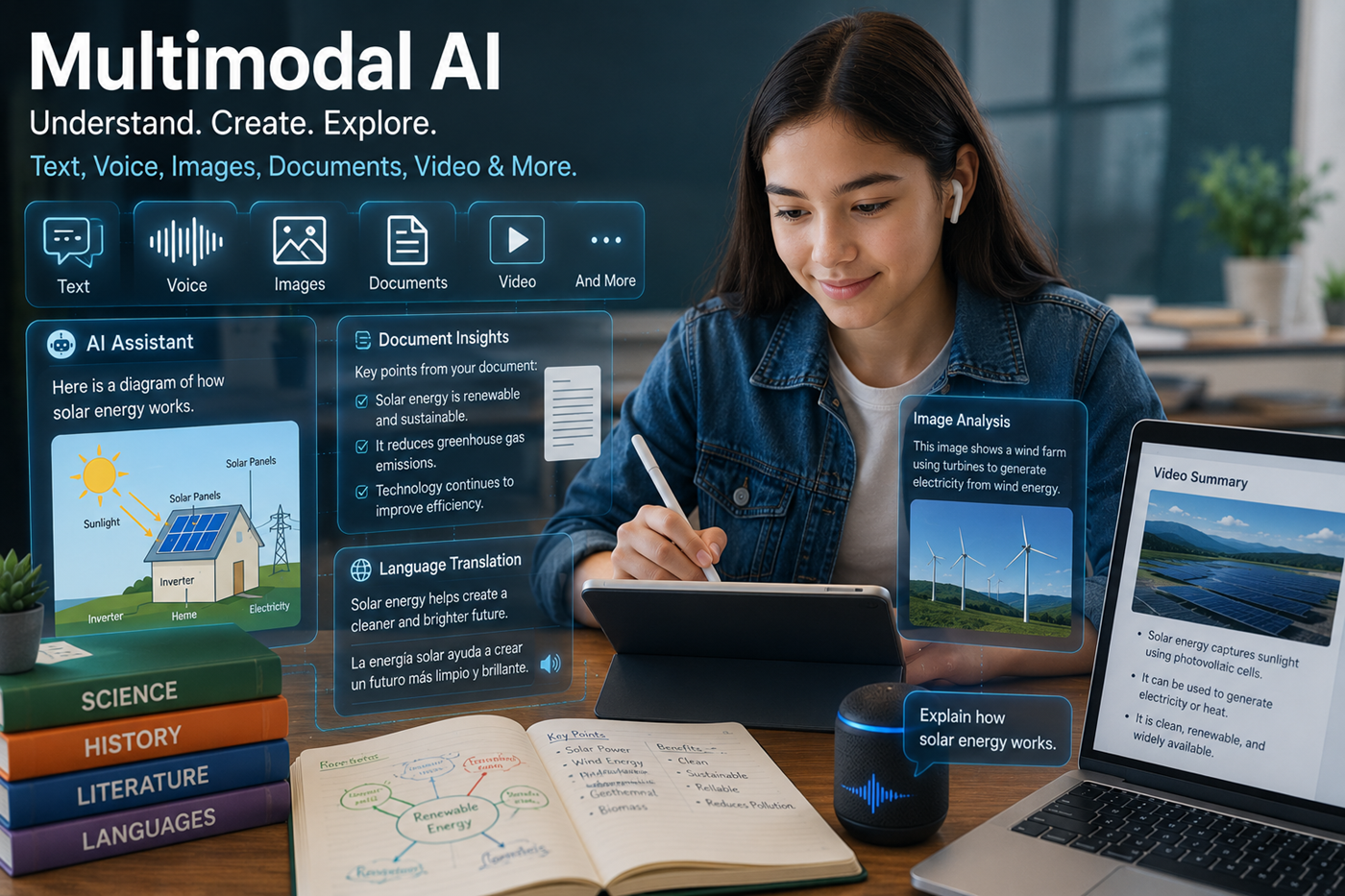
Multimodal AI can interpret and combine several kinds of information within the same conversation.
Depending on available features, you may be able to type a question, speak naturally, upload a document, add an image, share a video, use your camera, or ask Gemini about information from supported connected services.
These tools support different stages of a larger workflow.
Use Deep Research when a question requires investigation across multiple sources, a structured plan, and a more detailed report.
Use Canvas when you want to create, edit, organize, and revise a document, application, code project, presentation, or other supported output.
Use Gems when you want a customized assistant with recurring instructions, a specific role, a consistent method, or a focused subject.
Use Gemini Live when speaking is more convenient than typing or when a natural back-and-forth conversation would help develop an idea.
Upload supported material when you want Gemini to summarize, compare, explain, organize, or answer questions about specific content.
Use supported connections when Gemini needs permission to find information or complete tasks involving an approved application.
Explain the goal, audience, requirements, and intended outcome.
Add files, images, notes, web sources, and relevant context.
Investigate questions, compare information, and identify uncertainties.
Develop the writing, plan, image, code, study guide, or other output.
Check facts, sources, dates, calculations, links, and technical details.
Add human judgment, editing, formatting, approval, and quality control.
Requests without a clear goal, audience, format, context, or quality standard often produce generic responses.
A polished response can still contain false facts, weak reasoning, invented sources, or outdated information.
Search results and citations should be inspected to determine whether they support the actual claim.
Users should not provide private or confidential information without understanding Gemini’s data controls and connected-app permissions.
A simple chat, Deep Research report, Canvas project, Gem, or Live conversation may each be better suited to different tasks.
Models, plans, limits, interfaces, subscriptions, media tools, and connected services can change.
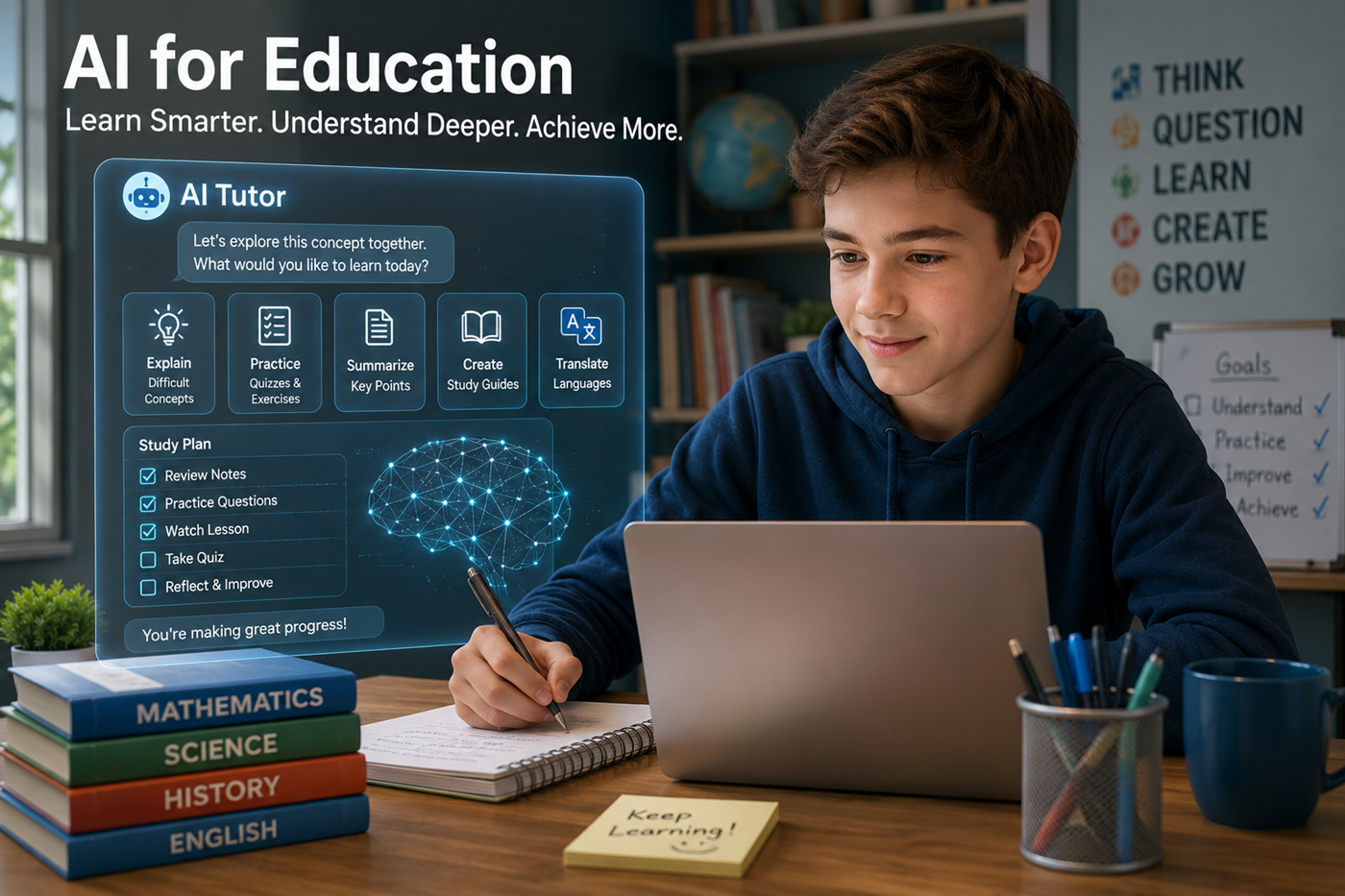
Gemini can support personalized learning when it is used as a tutor, study partner, explainer, organizer, and practice system rather than a substitute for learning.
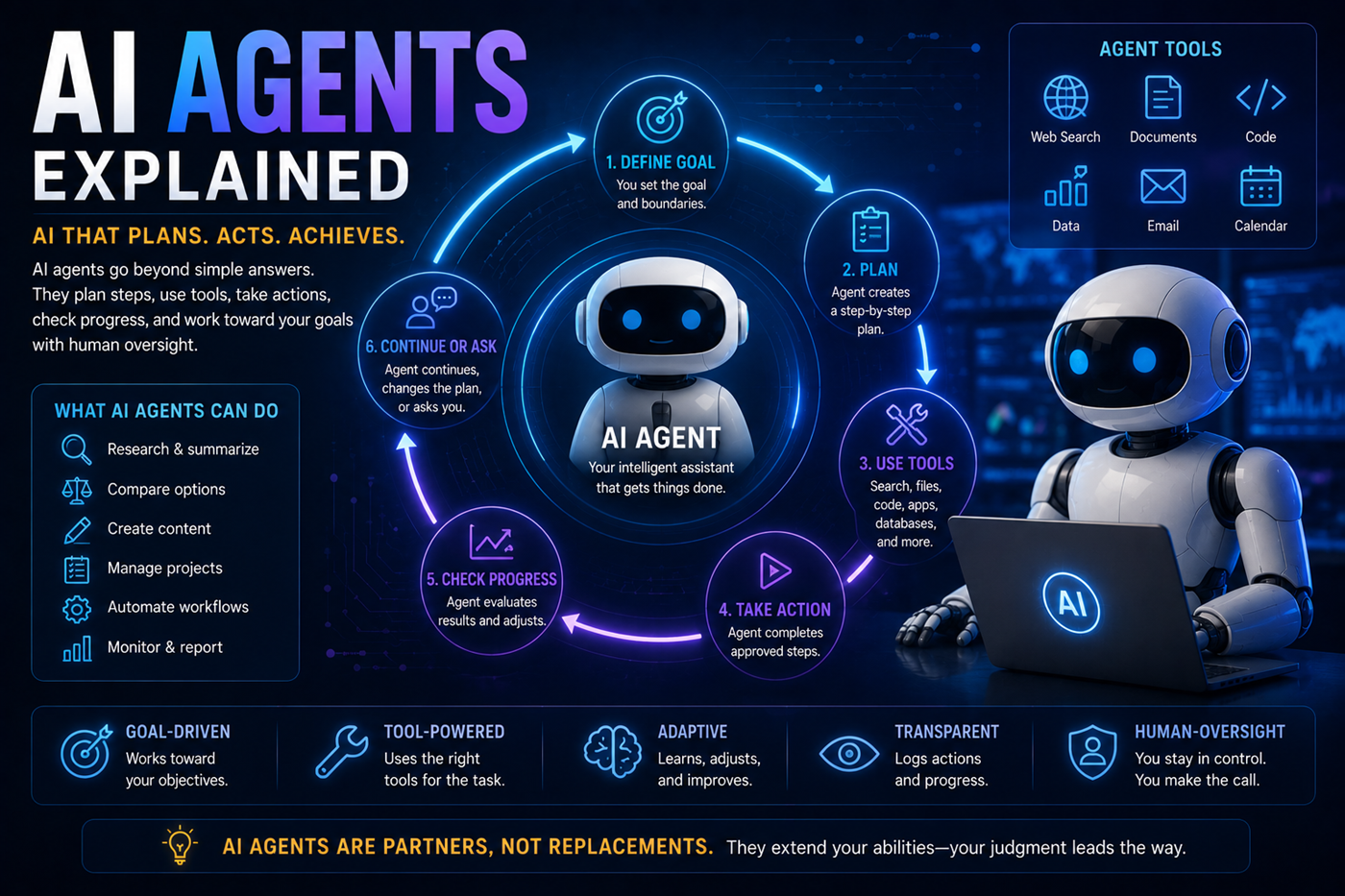
One AI platform does not need to perform every stage of a complex project.
Gemini may contribute multimodal analysis, Google-connected workflows, Deep Research, images, video, learning tools, Canvas creation, and conversational planning. Other platforms may provide different strengths in long-document analysis, cited search, source-grounded notebooks, application hosting, publishing, music, or specialized creative production.
The human creator remains responsible for choosing the tools, directing the workflow, checking outputs, protecting sensitive information, and approving the final result.
Gemini may generate false facts, quotations, names, dates, statistics, explanations, or references that sound believable.
Understand hallucinationsCurrent information may require web research, authoritative sources, and direct confirmation.
Learn how to verify informationA linked page may be credible but still fail to support the precise claim being made.
Prompts, files, activity settings, connected applications, and account permissions may involve sensitive information.
Explore AI and privacyGenerated content may reflect incomplete data, cultural assumptions, stereotypes, or missing perspectives.
The user remains responsible for what is published, shared, purchased, submitted, automated, or acted upon.
Gemini changes frequently. Use Google’s official pages for current feature availability, plan details, usage limits, product updates, privacy information, and support.
Gemini offers free access and paid Google AI subscription plans. Available models, usage limits, storage, research features, media generation, and Workspace benefits vary by plan.
Gemini can use current web information and may provide links or supporting sources with its responses.
Users should open the sources and confirm that they support each important claim.
Gemini can analyze supported documents, spreadsheets, images, videos, NotebookLM notebooks, and other available file types.
Results depend on file quality, size, formatting, account limits, and the complexity of the material.
Deep Research is designed for questions that require a broader investigation across multiple sources and a detailed, organized report.
Reports should still be reviewed for source quality, missing context, and factual accuracy.
Canvas is a collaborative workspace for creating and revising documents, code, applications, slides, and other supported content.
Gems are customized versions of Gemini that can follow instructions for a particular role, subject, task, workflow, or style of assistance.
Gemini can generate and edit images when supported capabilities are available. Some subscription plans may also provide video-generation access.
Availability, limits, models, languages, and regional restrictions can change.
Gemini can work with supported Google services when the relevant connected applications, permissions, account type, and regional features are enabled.
Users should review what information is being accessed and how connected-app data is handled.
No. Gemini may generate incorrect, incomplete, outdated, biased, misunderstood, or invented information.
Important claims should be checked against current authoritative or primary sources.
Do not upload confidential, private, medical, legal, financial, employment, customer, school, or identifying information unless you understand the account’s privacy protections, activity settings, organizational policies, and connected-app controls.
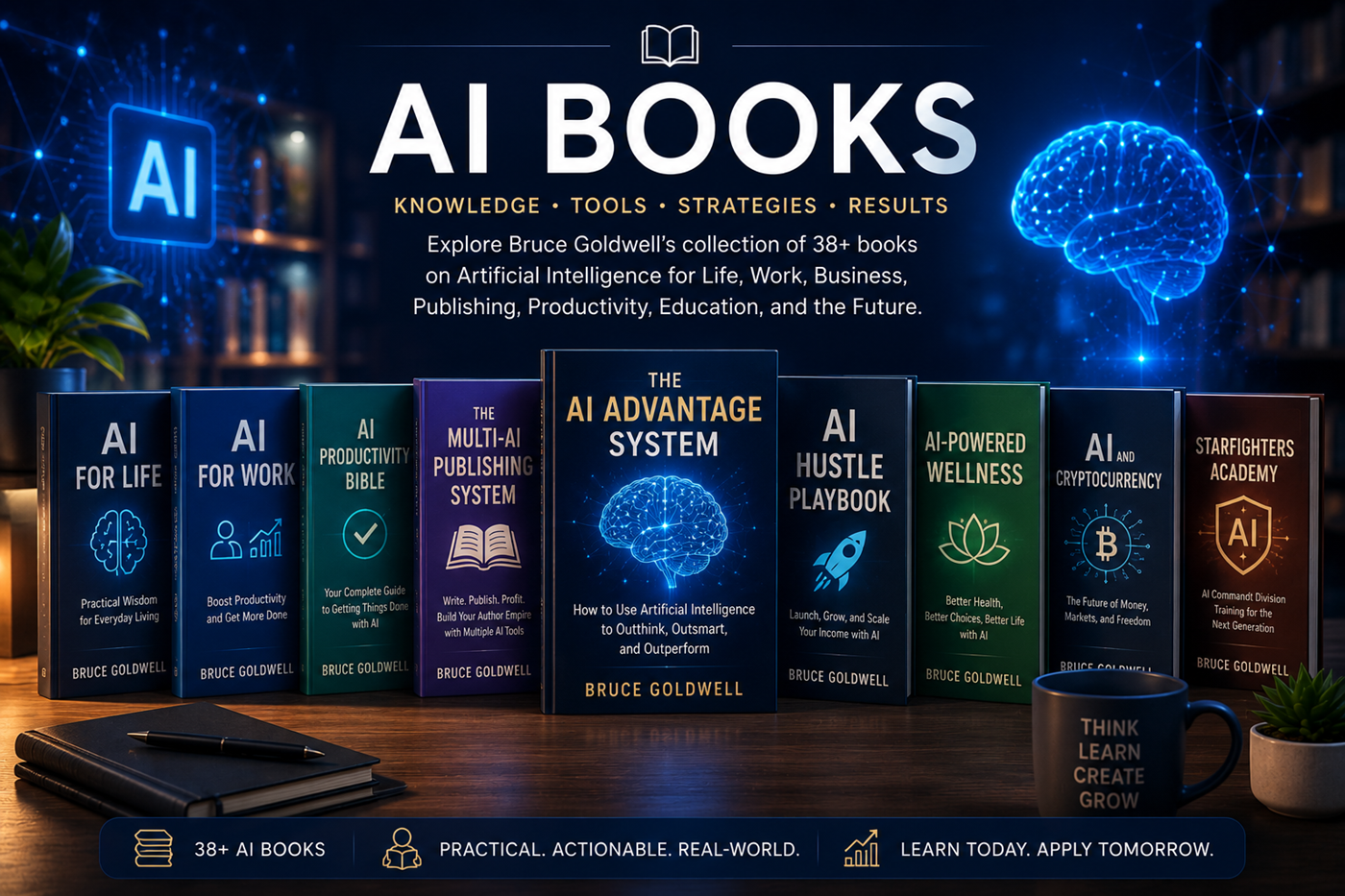
Bruce Goldwell’s AI-related books explore prompts, productivity, publishing, business, work, life, wellness, education, applications, automation, and future technology.
The books connect practical AI use to larger systems for authors, entrepreneurs, creators, students, professionals, and lifelong learners.
Explore xAI’s conversational assistant and learn how Grok approaches real-time information, web research, X content, writing, reasoning, images, and current-event exploration.