VS AI Tools and Platforms

AI Tool Comparison

Compare ChatGPT, Claude, Google Gemini, Grok, Perplexity, NotebookLM, and Replit by their strongest uses, research methods, source support, creative tools, coding abilities, and project workflows.

Find the Right Tool for the Task

There Is No Single Best AI for Everything

Each AI platform has a different combination of models, tools, data connections, search methods, creative features, project systems, and publishing capabilities.

A platform that is excellent for current web research may not be the best environment for building an application. A tool that is strong for long-document editing may not be designed to organize a source-grounded notebook or search public social conversations.

The goal is not to identify one permanent winner. The goal is to match the tool to the work, understand its limitations, and use human judgment throughout the process.

A practical selection rule: Choose the platform whose strongest capabilities most closely match the main task. Use additional tools when the project requires different kinds of research, creation, verification, or production.
Side-by-Side Overview

Compare Major AI Tools

These descriptions show broad strengths. Exact features, models, limits, prices, and availability can change.

Platform Strongest General Role Research Approach Files and Documents Creative Tools Coding and Building
ChatGPT Versatile, general-purpose AI workspace Web search, Deep Research, files, connected tools, and conversation Strong support for documents, spreadsheets, PDFs, presentations, images, and data Writing, images, planning, brainstorming, analysis, and supported media workflows Code generation, debugging, data analysis, website work, and software assistance
Claude Long-form writing, analysis, reasoning, and project collaboration Web search, Research, Projects, uploaded knowledge, and structured analysis Strong document analysis, long-context work, file creation, and Projects Writing, editing, Artifacts, prototypes, documents, and interactive outputs Code generation, review, debugging, Claude Code, and application prototypes
Google Gemini Multimodal AI connected to Google services Google Search, Deep Research, files, connected apps, and Google Workspace Documents, spreadsheets, images, videos, Google Drive files, and other supported sources Images, video, Canvas, Gems, Live voice, writing, and multimodal creation Code generation, debugging, Canvas applications, and Google development workflows
Grok Real-time web and public X information Web search, public X search, current-event exploration, and reasoning Supported file analysis, documents, code, images, and structured outputs Writing, images, video, voice, trend analysis, and current-topic content Coding help, debugging, reasoning, API tools, and technical research
Perplexity Cited web research and answer discovery Real-time web search, inline citations, Research, Spaces, and source comparison Supported file and image uploads, summaries, extraction, and comparisons Reports, summaries, research writing, organized Spaces, and supported content creation Technical research, code explanations, model access, and supported Computer workflows
NotebookLM Source-grounded learning and research notebooks Answers grounded in user-selected sources with inline citations Strong for organized source collections, documents, websites, audio, video, and notes Audio Overviews, Video Overviews, Mind Maps, reports, quizzes, slides, and infographics Not primarily an app-development environment
Replit Building, testing, deploying, and operating applications Project files, development documentation, Agent planning, and external integrations Code files, project assets, databases, uploads, configurations, and structured application data Websites, applications, dashboards, games, tools, presentations, and interactive experiences Full-stack development, Agent, databases, authentication, deployment, and integrations
Important: A blank or weaker category does not mean a platform cannot perform the task. It means another platform may be designed more directly around that type of work.
Tools at a Glance

The Main Strength of Each Platform

General Purpose

ChatGPT

A broad AI workspace for writing, research, files, images, planning, data, coding, productivity, and creative projects.

  • Versatile across many tasks
  • Strong writing and editing
  • Web search and Deep Research
  • File and data analysis
  • Image generation and editing
  • Projects and connected tools
Explore the ChatGPT Guide
Documents and Reasoning

Claude

A collaborative AI assistant known for writing, reasoning, Projects, document analysis, coding, and interactive Artifacts.

  • Long-form writing and editing
  • Document analysis
  • Projects and knowledge files
  • Extended reasoning
  • Artifacts and prototypes
  • Strong coding assistance
Explore the Claude Guide
Google Ecosystem

Google Gemini

A multimodal Google AI assistant for research, writing, files, images, video, learning, Live voice, and connected applications.

  • Google Search integration
  • Deep Research
  • Gemini Live
  • Canvas and Gems
  • Multimodal file analysis
  • Google Workspace connections
Explore the Gemini Guide
Real-Time Information

Grok

An xAI assistant combining reasoning, coding, media generation, current web information, and public X search.

  • Real-time web search
  • Public X search
  • Current-event exploration
  • Reasoning and coding
  • Image and video generation
  • Voice and file tools
Explore the Grok Guide
Cited Web Research

Perplexity

An AI answer engine designed to research the web, summarize findings, cite sources, and support follow-up investigation.

  • Inline source citations
  • Current web research
  • Research mode
  • Spaces and source organization
  • File and image analysis
  • Fast comparison research
Explore the Perplexity Guide
Source-Grounded Learning

NotebookLM

A Google research and learning tool built around user-selected sources, citations, study materials, and knowledge transformation.

  • Answers grounded in supplied sources
  • Inline citations
  • Audio and Video Overviews
  • Mind Maps and reports
  • Flashcards and quizzes
  • Slide decks and notes
Explore the NotebookLM Guide
Application Development

Replit

An AI-assisted software platform for transforming ideas into websites, applications, databases, automations, and deployed products.

  • Replit Agent
  • Full-stack app building
  • Databases and authentication
  • Secrets and integrations
  • Testing and debugging
  • Publishing and deployment
Explore the Replit Guide
Match the Tool to the Goal

Which AI Should You Choose?

Start with the main outcome you need.

General Everyday AI

Choose ChatGPT when you want a broad workspace for writing, research, files, images, planning, data, coding, and ongoing projects.

Explore ChatGPT

Long Writing and Documents

Choose Claude when the project centers on careful writing, revision, substantial documents, reasoning, Projects, or Artifacts.

Explore Claude

Google-Connected Work

Choose Gemini when the task benefits from Google Search, Workspace services, multimodal input, Gemini Live, Canvas, or Gems.

Explore Gemini

Current X Conversations

Choose Grok when you need current web information, public X discussions, developing reactions, reasoning, coding, or media creation.

Explore Grok

Web Research with Citations

Choose Perplexity when you want fast web research, inline citations, source discovery, comparisons, follow-up questions, and organized Spaces.

Explore Perplexity

Research from Your Sources

Choose NotebookLM when answers, summaries, study resources, audio, video, and reports should remain grounded in a selected source collection.

Explore NotebookLM

Build a Working Application

Choose Replit when you want to turn a concept into a website, database, dashboard, automation, learning system, or deployed application.

Explore Replit
Comparison by Task

Practical Recommendations

1

Writing a Book

ChatGPT or Claude can support outlining, drafting, editing, structure, and publishing workflows. Perplexity can locate current sources. NotebookLM can organize the source library.

2

Researching Current Events

Perplexity, Grok, ChatGPT, Gemini, and Claude can help when web search is available. Always compare dates, inspect sources, and separate reporting from commentary.

3

Studying Supplied Material

NotebookLM is especially useful when learning should remain grounded in selected readings, lectures, documents, videos, and notes.

4

Creating Images and Media

ChatGPT, Gemini, and Grok provide broad media-generation capabilities when available. The best choice depends on the required style, editing workflow, format, and plan.

5

Analyzing Long Documents

Claude, ChatGPT, Gemini, Perplexity, and NotebookLM can analyze supported documents. NotebookLM is designed around a reusable source collection.

6

Building an App

Replit provides an integrated development and deployment environment. ChatGPT, Claude, Gemini, and Grok can also help with planning, coding, debugging, and technical explanations.

7

Working with Google Services

Gemini is the natural first platform to investigate when the workflow depends heavily on Gmail, Drive, Docs, Calendar, Maps, or other supported Google services.

8

Finding Sources Quickly

Perplexity is designed for cited answer discovery. Grok is useful for public X information. Other assistants may also search the web and provide sources.

A Better Strategy

Use More Than One AI When the Project Requires It

The strongest workflow may combine several specialized platforms rather than forcing one assistant to perform every task.

A research project could begin with Perplexity or Grok, move into NotebookLM for source-grounded analysis, use ChatGPT or Claude for planning and writing, use Gemini for Google-connected work and multimedia, and use Replit to create an interactive application.

  • Use research tools to find current material
  • Use source-grounded tools to organize evidence
  • Use writing tools to develop the message
  • Use creative tools to create media
  • Use development tools to build applications
  • Use human judgment to verify and approve everything
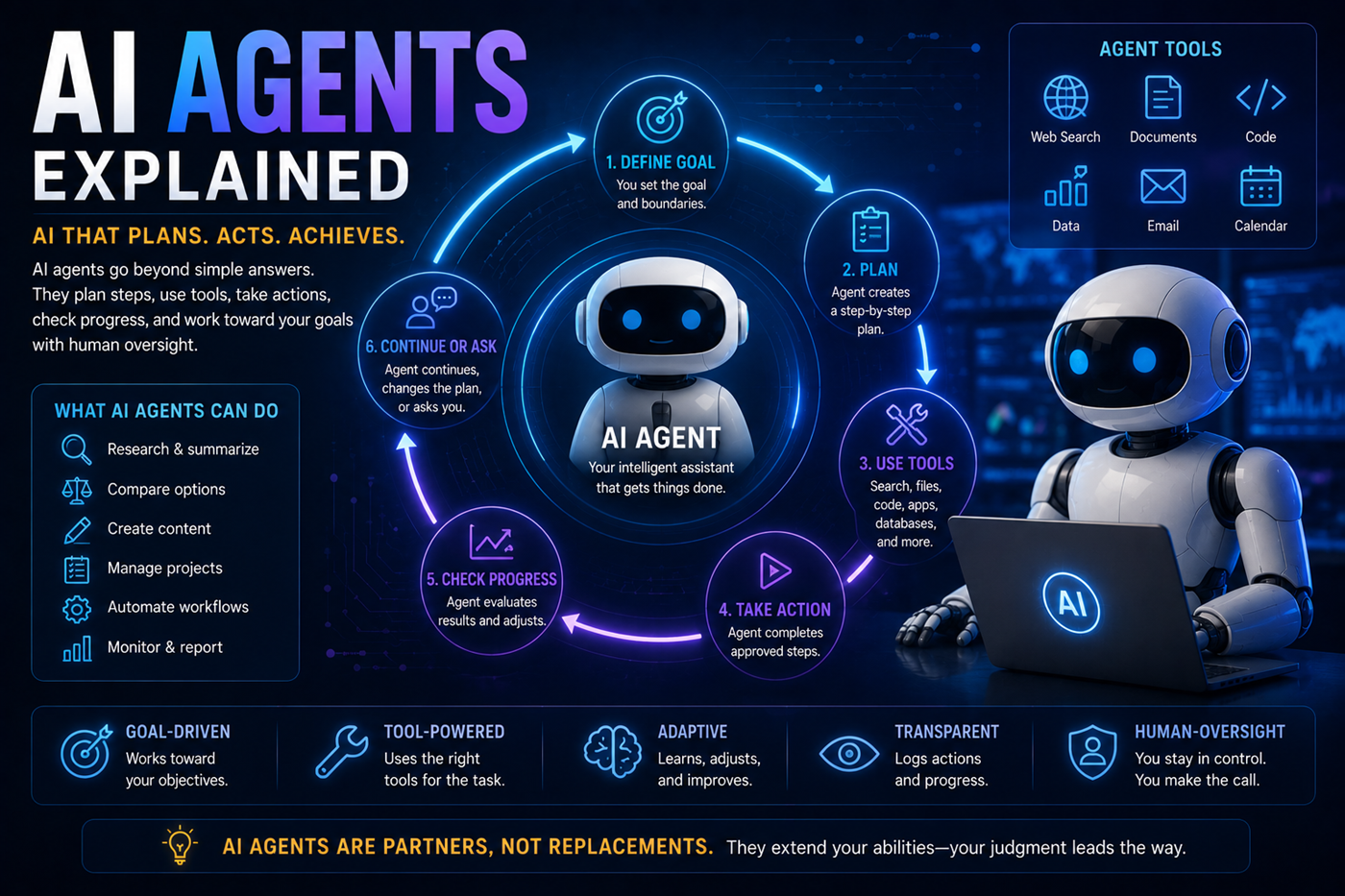
Multi-AI workflow combining research, source analysis, writing, images, coding, application development, and human verification

Questions to Ask Before Choosing

  • What is the main outcome I need?
  • Does the task require current information?
  • Do I need citations or primary sources?
  • Will I upload private or confidential files?
  • Do I need image, audio, or video tools?
  • Do I need Google or other app connections?
  • Am I building content or working software?
  • What plan limits and costs apply?
  • How will I verify the result?

Reasons Not to Choose by Hype

  • Benchmarks may not match your real task
  • Model names and rankings change
  • Feature access varies by plan
  • A popular platform may lack a required integration
  • A confident answer can still be wrong
  • Source citations can still be weak
  • Creative quality depends on the exact prompt
  • Generated code still requires testing
  • Privacy needs differ by project
Common Selection Mistakes

Mistakes People Make When Comparing AI Tools

Looking for One Permanent Winner

AI platforms change too quickly and serve too many different purposes for one permanent ranking to remain useful.

Comparing Only Model Names

The surrounding tools, integrations, interface, privacy controls, files, search, and workflow can matter as much as the underlying model.

Ignoring the Main Task

A platform may be impressive overall but poorly matched to the specific result the user needs.

Assuming Features Are Universal

Access can depend on plan, age, device, location, organization, language, limits, and current rollout status.

Ignoring Verification

No platform should be treated as an unquestionable authority for important factual, medical, legal, financial, or safety decisions.

Ignoring Total Cost

Subscriptions, usage credits, API calls, storage, deployment, media generation, and connected services may create additional costs.

Limitations and Responsibility

Every AI Platform Can Produce Errors

Weak Sources

Web-connected answers may rely on promotional, copied, biased, outdated, incomplete, or low-authority pages.

Privacy Risks

Prompts, files, connectors, project knowledge, databases, and integrations may contain information that should be protected.

Explore AI and privacy

Automation Risks

AI systems that can send messages, alter files, change code, use accounts, or perform actions require supervision.

Human Responsibility

The user remains responsible for what is published, shared, submitted, purchased, deployed, automated, or acted upon.

Official Platform Information

Verify Current Features Directly

AI tools change frequently. Review official product pages, documentation, pricing, release notes, privacy policies, and support resources before making an important decision.

Frequently Asked Questions

Questions About Comparing AI Tools

Which AI platform is best overall?

No platform is best for every task. ChatGPT is a strong general-purpose workspace, while other platforms may be better matched to long documents, Google connections, current X information, cited research, source-grounded notebooks, or application development.

Which AI is best for writing?

ChatGPT and Claude are both strong writing and editing platforms. Gemini and Grok can also help with writing, while Perplexity is especially useful when the writing depends on current cited research.

The best choice depends on the desired voice, document length, project organization, source requirements, and editing workflow.

Which AI is best for research?

Perplexity is designed for cited web research. Grok is useful for current web and public X information. ChatGPT, Claude, and Gemini also provide research and web-search capabilities when available.

NotebookLM is especially useful after the user has selected the sources and wants answers grounded in that collection.

Which AI is best for source citations?

Perplexity is built around inline web citations. NotebookLM provides inline citations to the selected notebook sources.

Other major assistants may also provide source links when using web search or research features.

Which AI is best for analyzing my own documents?

Claude, ChatGPT, Gemini, Perplexity, and NotebookLM can analyze supported documents.

NotebookLM is particularly useful for creating an ongoing source-grounded notebook from a collection of documents. Claude is often useful for extensive writing and document analysis.

Which AI is best for images and video?

ChatGPT, Gemini, and Grok provide broad image or media-generation capabilities when available.

Quality, editing tools, resolution, video length, limits, and plan requirements can change, so test the current tools with the actual kind of content you want to create.

Which AI is best for coding?

ChatGPT, Claude, Gemini, and Grok can all help write, explain, review, and debug code.

Replit is especially useful when the goal is to build, run, test, deploy, and operate an application within one development environment.

Which AI is best for Google users?

Gemini is the natural platform to investigate when the workflow depends heavily on supported Google services such as Gmail, Drive, Docs, Calendar, Maps, or other Google applications.

Availability depends on the account type, plan, location, permissions, and enabled connections.

Which AI is best for education?

ChatGPT, Claude, and Gemini can act as tutors and study partners. NotebookLM is especially useful for learning from teacher-approved or user-selected sources.

The best educational use involves questions, practice, recall, feedback, verification, and original student reasoning rather than simply generating answers.

Should I subscribe to several AI platforms?

Subscribe only when the additional platform solves a recurring problem or provides a capability that materially improves your work.

Begin with one primary platform, test free access where available, and add specialized tools when the workflow justifies the additional cost.

Can I use several AI tools on the same project?

Yes. A multi-AI workflow can use different platforms for research, source analysis, writing, image creation, coding, application development, and verification.

Keep track of sources, versions, permissions, private information, and which tool created each part of the project.

Are AI comparison charts always current?

No. Models, features, limits, integrations, prices, availability, and plan names can change quickly.

Use comparison pages as a starting point and confirm important details through official product pages before deciding.

Learn Through Books

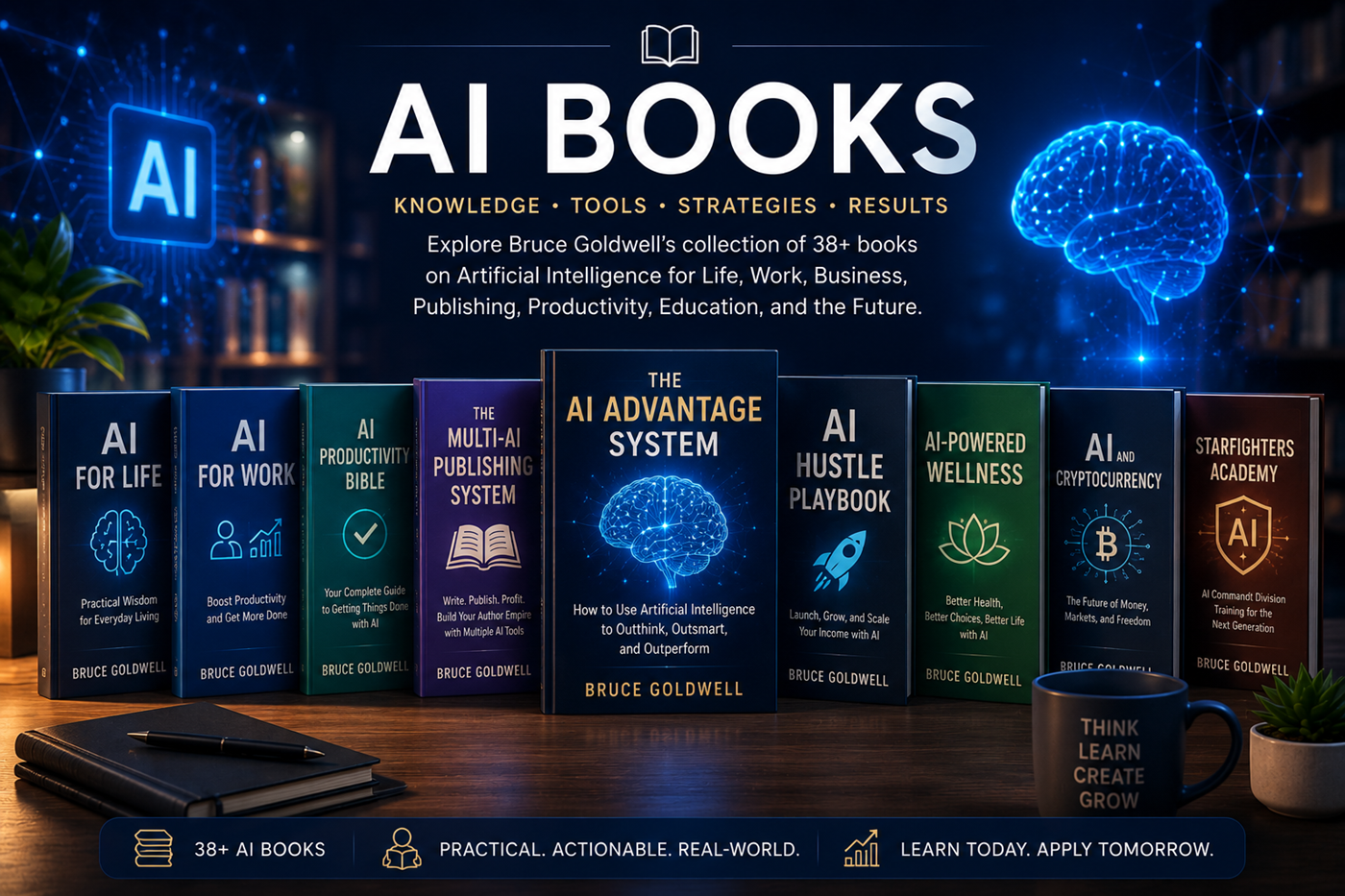
Explore Bruce Goldwell’s AI Library

Bruce Goldwell’s AI-related books explore prompts, productivity, publishing, research, business, education, applications, automation, creative systems, and future technology.

The books connect practical AI use to larger systems for authors, entrepreneurs, creators, students, professionals, and lifelong learners.

Bruce Goldwell books covering AI tools, prompts, research, publishing, productivity, business, education, and creative technology
Build a Better AI System

Continue to the Multi-AI Workflow Guide

Learn how to combine research, source analysis, writing, creativity, coding, application development, and human verification across several AI platforms.

Independent comparison disclaimer: This page is an independent educational comparison and is not sponsored, endorsed, or published by OpenAI, Anthropic, Google, xAI, Perplexity, or Replit. Product names, models, features, prices, limits, plans, interfaces, policies, and availability may change. Confirm current information through each platform’s official website.