Write and Edit
Draft, rewrite, proofread, shorten, expand, reorganize, summarize, translate, and improve written material.
Learn how to use Claude for writing, long documents, research, Projects, Artifacts, coding, file creation, planning, education, business, and creative collaboration.
Claude is an artificial intelligence assistant developed by Anthropic for conversation, writing, analysis, reasoning, research, coding, document work, and organized project collaboration.
You can ask Claude questions, supply documents, develop ideas, improve writing, analyze information, create files, work with code, conduct web research, build interactive Artifacts, and continue refining the result through conversation.
Claude is especially useful for projects that involve careful writing, substantial source material, structured analysis, iterative thinking, or a focused workspace containing its own instructions and reference documents.
Claude is not one permanent set of tools. Available models, usage limits, Projects, research features, integrations, Artifacts, file creation, voice, memory, and other capabilities may vary by plan, account, device, region, and current product version.
Capabilities may vary, but Claude can support a wide range of writing, research, analytical, technical, educational, and creative work.
Draft, rewrite, proofread, shorten, expand, reorganize, summarize, translate, and improve written material.
Review uploaded files, compare passages, extract ideas, locate information, and answer questions about supplied material.
Keep related chats, instructions, documents, and project knowledge together in a focused workspace.
Build substantial documents, code, visualizations, websites, tools, and interactive experiences in a dedicated workspace.
Search the web when enabled, investigate complex questions, compare information, and produce organized findings with citations.
Generate, explain, review, debug, refactor, test, and document code for websites, applications, and automation.
Create and edit supported documents, spreadsheets, presentations, PDFs, code files, diagrams, and other useful outputs.
Request explanations, examples, study guides, questions, exercises, comparisons, and personalized learning support.
Break goals into phases, prepare checklists, identify risks, organize priorities, and build repeatable workflows.
Apply additional reasoning effort to complex planning, analysis, technical, mathematical, and research problems when available.
Supply reference material and instructions that Claude can use while working inside a related Project.
Some plans and environments can connect Claude with approved applications, services, development tools, and organizational information.
You do not need to master every Claude feature before beginning.
Start with one useful question, document, message, plan, or project.
Explain the purpose, audience, background, and important constraints.
Paste notes or upload relevant documents when supported and appropriate.
Check clarity, completeness, accuracy, logic, and alignment with your goal.
Ask follow-up questions and request corrections, alternatives, or improvements.
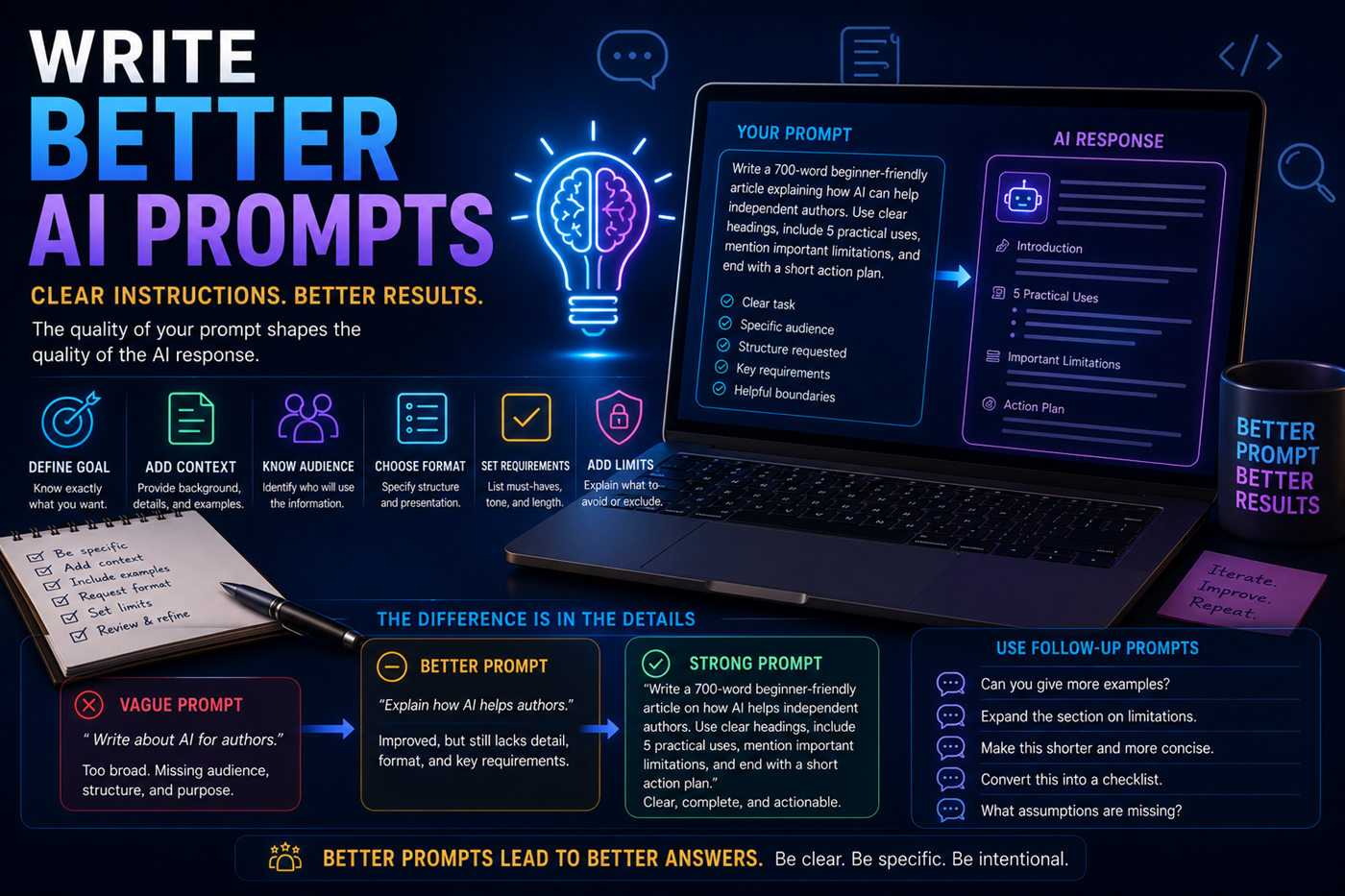
A vague request forces Claude to guess your purpose, reader, preferred structure, source material, and definition of a successful result.
Stronger prompts normally describe the exact task, provide the necessary background, identify the intended audience, request a useful format, and explain what should be included, excluded, preserved, or verified.
Projects can provide focused workspaces with their own conversations, instructions, and knowledge.
Keep research, outlines, character notes, chapters, editorial guidance, publishing information, and marketing plans together.
Store page templates, navigation rules, brand language, folder structures, SEO requirements, links, and completed-page records.
Organize plans, customer information, product descriptions, reports, operating procedures, marketing ideas, and workflows.
Keep source documents, research questions, summaries, competing viewpoints, notes, citations, and draft reports together.
Build a personalized curriculum with explanations, reading materials, exercises, quizzes, progress reviews, and study plans.
Develop stories, scripts, campaigns, songs, characters, scenes, visual concepts, promotional material, and supporting content.
Explain the goal, audience, limits, and desired outcome.
Provide relevant facts, documents, examples, and instructions.
Identify themes, questions, gaps, conflicts, and useful structure.
Develop the draft, plan, code, file, Artifact, or other output.
Check facts, citations, calculations, rules, claims, and technical details.
Apply human judgment, voice, formatting, approval, and quality control.
Requests without a goal, audience, source material, structure, or quality standard can produce generic results.
Clear and confident writing can still contain incorrect facts, invented sources, missing context, or weak reasoning.
Adding large amounts of unrelated material may make the real task harder to identify and the result less focused.
Users should avoid supplying confidential or private information without understanding the platform and organizational controls.
Generated content may still be repetitive, generic, inaccurate, or inconsistent with the creator’s authentic voice.
Models, plans, interfaces, limits, Projects, Artifacts, integrations, and other capabilities can change.
Authors can use Claude across research, outlining, drafting, document review, revision, publishing, marketing, and the development of connected intellectual property.
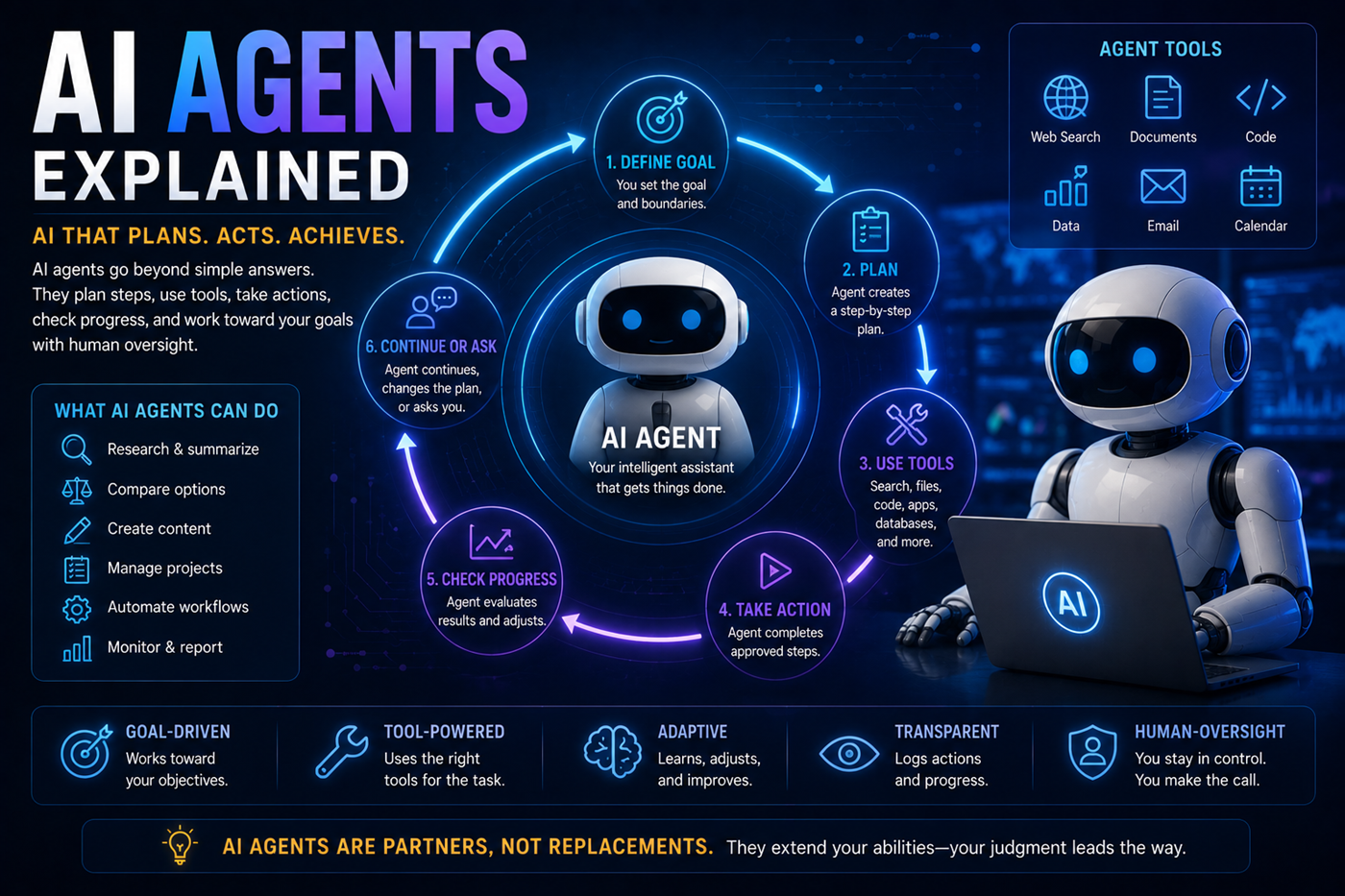
One AI platform does not need to perform every part of a large project.
Claude may be used for long-document analysis, structured writing, critical review, coding, Projects, file creation, and Artifacts. Other tools may contribute specialized search, current social information, source-grounded notebooks, image generation, music, video, design, publishing, or application hosting.
The human creator remains responsible for choosing the tools, directing the workflow, checking outputs, protecting private information, and approving the final result.
Claude may generate false facts, quotations, references, names, dates, statistics, or explanations that sound believable.
Understand hallucinationsCurrent information may require web search, primary sources, and direct confirmation.
Learn how to verify informationClaude cannot automatically know every fact, instruction, document, preference, or circumstance relevant to a task.
Prompts, files, Projects, and integrations may involve information that should not be shared without understanding the applicable controls.
Explore AI and privacyGenerated content may reflect incomplete data, cultural assumptions, stereotypes, or missing perspectives.
The user remains responsible for what is published, shared, purchased, automated, deployed, or acted upon.
Claude changes frequently. Use Anthropic’s official pages for current models, plan details, feature availability, product updates, privacy information, and support.
Claude offers free access and paid plans. Available models, usage limits, Projects, research, integrations, file creation, and other capabilities may vary by plan.
Claude can search the web when web search is available and enabled. Search responses may include citations that users can open and inspect.
Important claims should still be confirmed through authoritative or primary sources.
Claude can work with supported uploaded files. It may summarize material, locate information, compare sections, analyze tables, identify themes, and answer questions about supplied content.
Results depend on file quality, formatting, size, supported limits, and the complexity of visual or technical material.
Projects are focused workspaces that can contain related conversations, project instructions, and uploaded knowledge for an ongoing goal.
Availability and limits may differ by plan and current product version.
Artifacts are substantial outputs that appear in a dedicated workspace beside the conversation. They may include documents, code, websites, visualizations, tools, games, and interactive applications.
Claude can create and edit supported files when file-creation capabilities are available. The exact formats, limits, and interfaces may change.
Claude can help analyze research, develop outlines, draft sections, review chapters, improve structure, identify repetition, and prepare supporting material.
A strong book still requires human direction, experience, factual review, originality, voice, structure, and final editorial judgment.
No. Claude may produce incorrect, incomplete, outdated, biased, misunderstood, or invented information. Important claims should be checked against current and authoritative sources.
Do not upload confidential, private, medical, legal, financial, employment, customer, or identifying information unless you understand the account’s privacy protections, organizational policies, retention rules, and data controls.
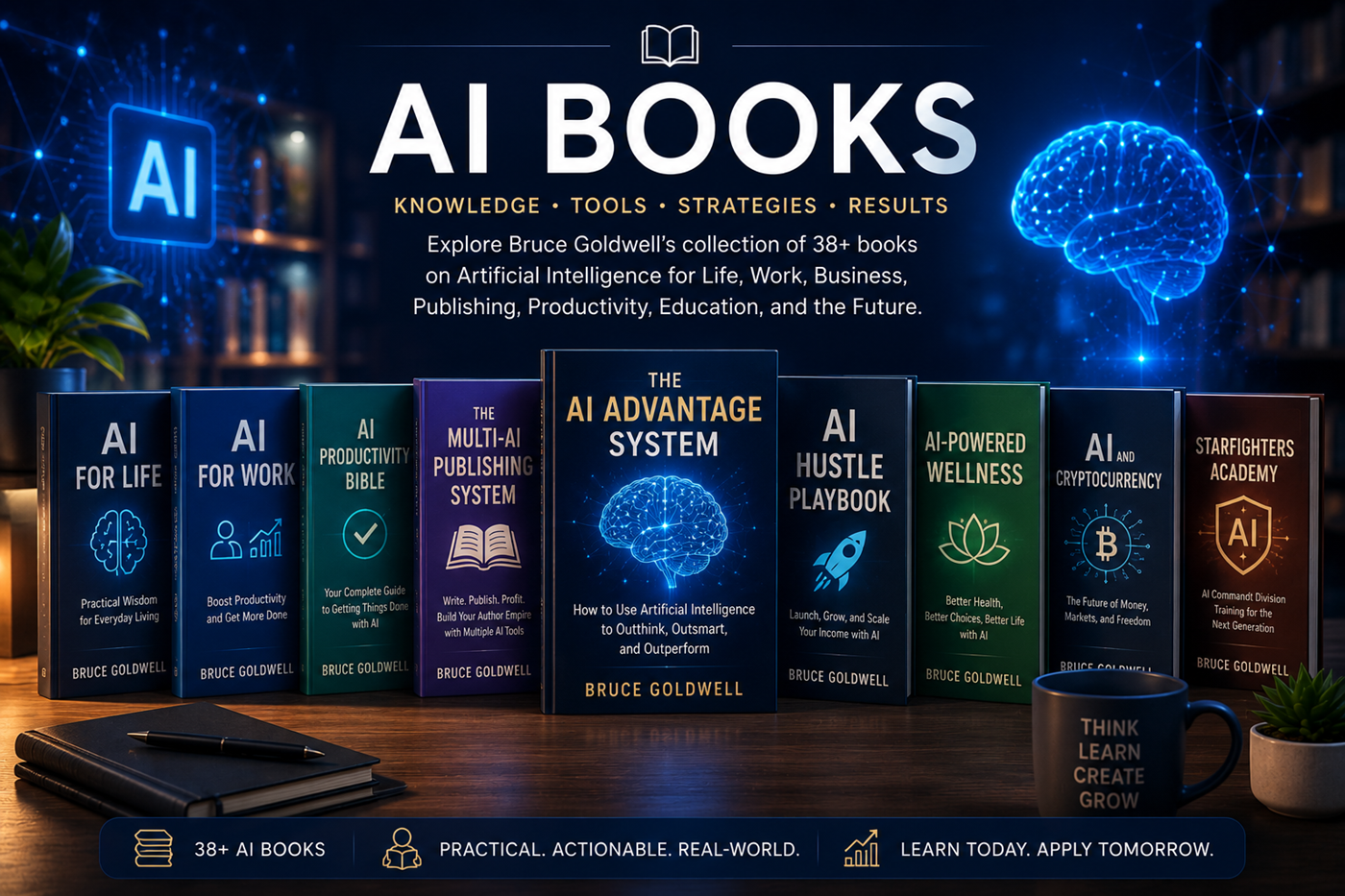
Bruce Goldwell’s AI-related books explore prompts, productivity, publishing, business, work, life, wellness, education, applications, automation, and future technology.
The books connect practical AI use to larger systems for authors, entrepreneurs, creators, students, professionals, and lifelong learners.
Explore Google’s multimodal AI assistant and learn how Gemini connects writing, research, learning, images, files, Google services, and supported creative tools.