Web Applications
Build interactive browser-based applications with user interfaces, logic, data, accounts, and external services.
Learn how to use Replit Agent to turn ideas into websites, applications, databases, automations, dashboards, mobile experiences, presentations, and published software.
Replit is an online software creation platform that combines artificial intelligence, code editing, application infrastructure, databases, authentication, storage, collaboration, and publishing in one workspace.
Replit Agent allows users to describe a project in ordinary language. Agent can help interpret the request, plan the work, create files, write code, configure services, test the application, debug problems, and prepare the project for publication.
Replit can be used by experienced developers, students, entrepreneurs, authors, teachers, organizations, and beginners who want to transform an idea into a working digital product.
Replit is not one permanent set of features. Agent modes, supported frameworks, artifacts, integrations, plans, usage-based billing, deployment options, storage limits, collaboration tools, and product interfaces may change.
Replit can support many kinds of digital products, from simple websites to full-stack applications with users, databases, payments, files, and automations.
Build interactive browser-based applications with user interfaces, logic, data, accounts, and external services.
Create landing pages, portfolios, knowledge centers, business sites, directories, forms, and promotional websites.
Develop supported mobile applications or mobile-friendly experiences from natural-language requirements.
Add structured data storage for profiles, records, products, lessons, orders, progress, settings, and other information.
Add supported login methods and connect authenticated users with application data and permissions.
Build workflows that respond to events, connect services, process information, and run on supported schedules.
Create searchable records, charts, analytics, management screens, reports, and operational dashboards.
Connect supported AI models to build chatbots, assistants, content tools, analysis systems, and intelligent workflows.
Create supported presentations and visual artifacts within an AI-assisted Replit project.
Build supported browser games, interactive simulations, 3D projects, learning activities, and creative experiences.
Create application programming interfaces, server logic, data services, integrations, and reusable backend systems.
Supported projects can contain several connected outputs that share backend services, data, Secrets, and project resources.
Start with one focused problem and one clear first version.
Explain who the application is for and what useful task it should perform.
List the essential pages, features, data, actions, and design requirements.
Review the plan and allow Agent to create the initial project structure and code.
Check navigation, forms, accounts, data, mobile layout, errors, and edge cases.
Publish the stable version, inspect the live app, and continue improving it.
“Build me an app” leaves Agent to guess the purpose, users, features, visual style, data, permissions, and definition of success.
A stronger request explains who will use the app, what they need to accomplish, the steps they will follow, what information must be stored, and what should happen when something goes wrong.
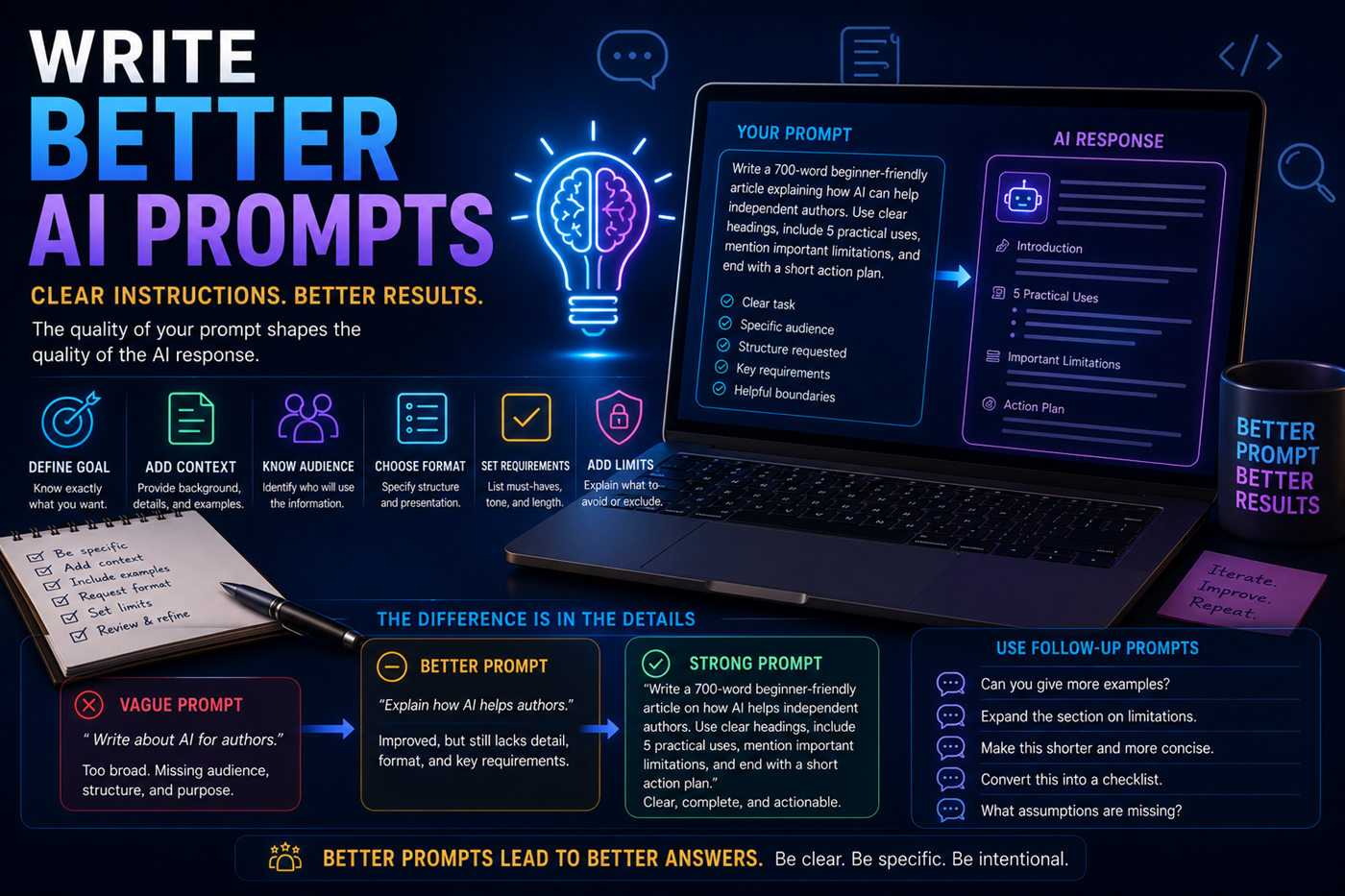
Replit’s AI tools can support different levels of software development work.
Agent is designed for larger building tasks. It can plan, create files, write code, configure services, test changes, debug issues, and help move a project toward a finished application.
Assistant is suited to lighter development help, code questions, explanations, and focused edits within an existing project.
A useful application often requires more than a visual interface.
Pages, buttons, forms, navigation, layout, and user interactions.
Rules that determine what happens when users take actions.
Persistent storage for records, users, progress, settings, and content.
Sign-in, identities, permissions, protected pages, and user-specific data.
Connections to payments, email, AI models, calendars, files, and services.
A stable live version that users can access independently of the editor.
Store structured application information such as users, products, lessons, orders, records, settings, and progress.
Add supported login methods and connect authenticated users with their own application data.
Store API keys, authentication tokens, and sensitive configuration as encrypted environment variables instead of hard-coding them.
Store supported uploaded files such as images, videos, documents, and other application assets.
Connect applications with supported services for payments, AI, messaging, analytics, productivity, data, and automation.
Connect an eligible published application with a domain that represents the project, organization, or brand.
A project-level replit.md file can help Agent understand the architecture, conventions, preferences, and requirements it should follow.
Explain what the application does, who it serves, and which problems it is intended to solve.
Record colors, typography, spacing, layout conventions, accessibility standards, and reusable components.
Define preferred frameworks, packages, file structures, naming rules, formatting, and testing patterns.
Describe stored information, relationships, permissions, validation rules, and privacy expectations.
Identify components, pages, database fields, URLs, and working features that should not be removed or changed casually.
State which workflows, devices, user roles, edge cases, and failure conditions must be tested after changes.
Books, courses, training programs, research systems, and knowledge centers can become interactive applications rather than remaining static pages.
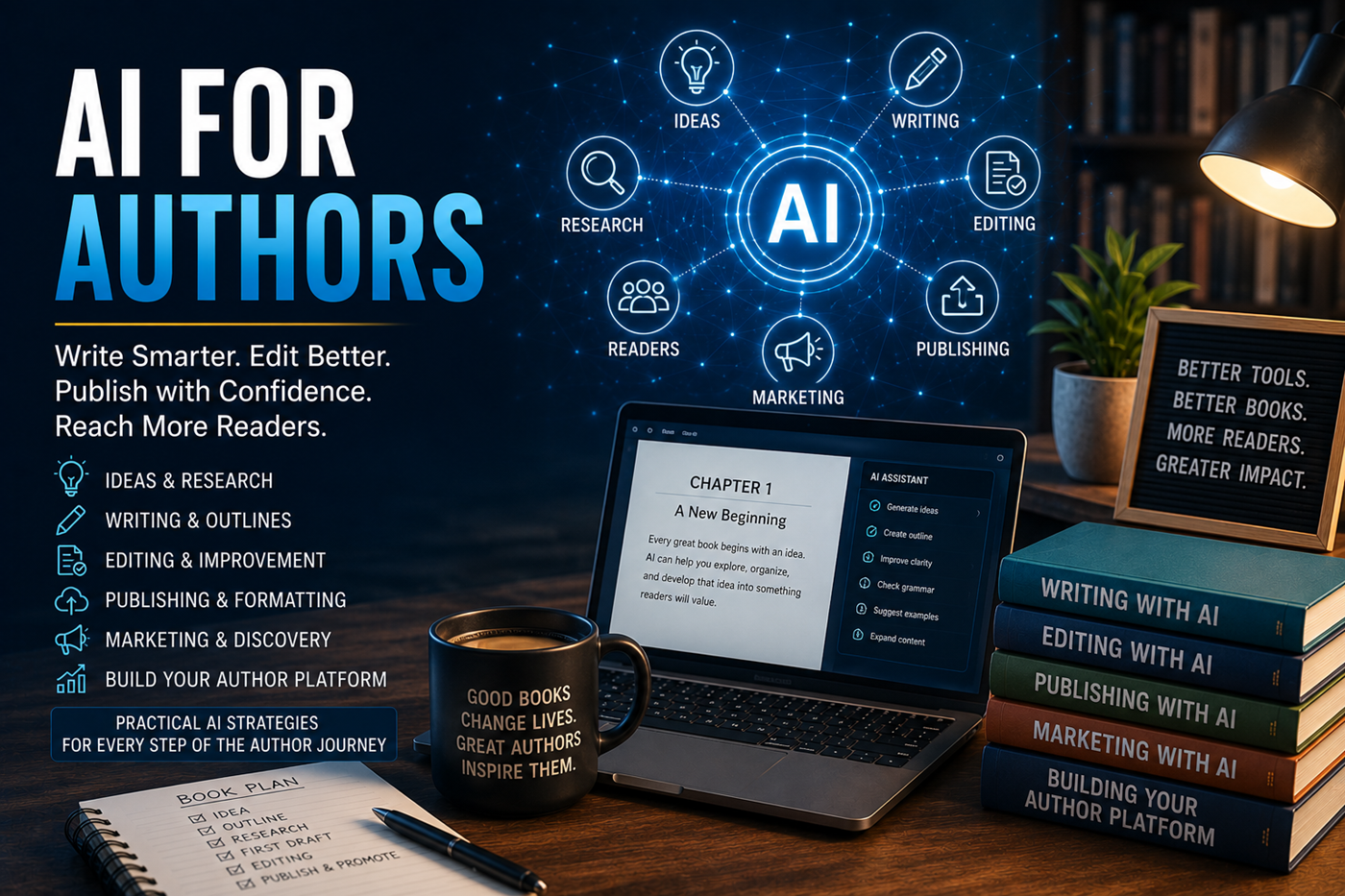
Help readers search books by subject, reading level, series, format, goal, or related knowledge-center content.
Deliver lessons, Mission Checks, quizzes, progress records, completion codes, and printable certificates.
Track customers, projects, communications, files, deadlines, payments, notes, and service requests.
Generate book descriptions, organize keywords, calculate royalties, plan launches, and manage publishing tasks.
Store sources, compare claims, record dates, track citations, and identify information that requires verification.
Create profiles, categories, search, private records, contact controls, announcements, and administrator tools.
Define users, features, data, risks, design rules, and the first release.
Let Agent create the structure, code, services, and initial experience.
Review changes, files, dependencies, database structure, and settings.
Test normal use, incorrect input, mobile devices, user roles, and failures.
Create a stable live version with the correct configuration and Secrets.
Check availability, logs, analytics, errors, security, data, and user feedback.
A large first prompt may create an application that is difficult to test, understand, repair, and improve.
Agent may misunderstand the request or alter working features while trying to solve another problem.
A successful preview does not prove that accounts, databases, Secrets, permissions, and production settings work correctly.
API keys, passwords, private tokens, and database credentials should not be placed directly in source code.
AI work, deployments, databases, storage, model calls, and integrations may create usage-based charges.
Major changes should be made from a recoverable state so unwanted edits can be reviewed or reversed.
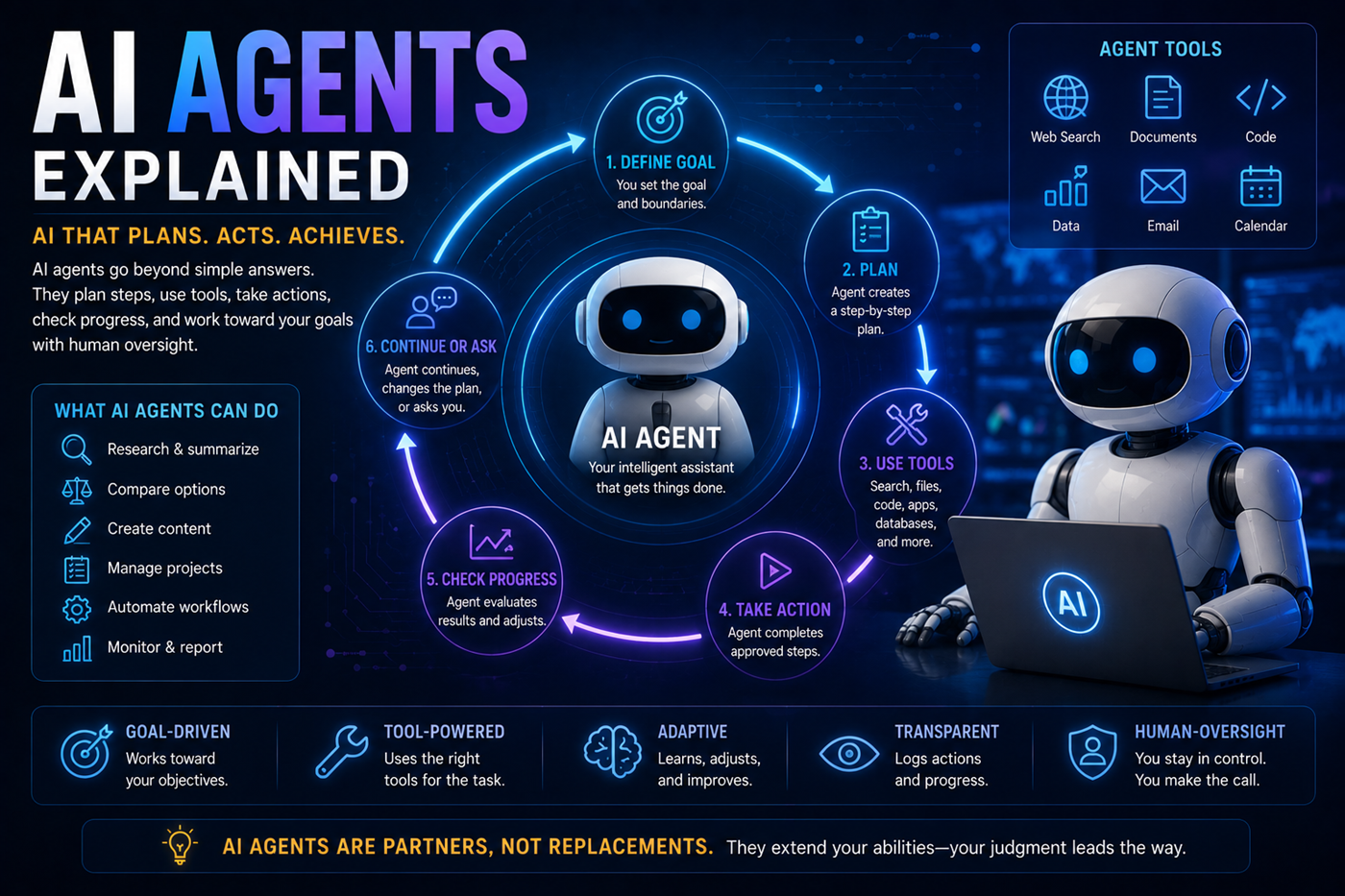
Different AI platforms can support different stages of a project.
Perplexity may locate current information. NotebookLM can organize selected sources. ChatGPT, Claude, Gemini, or Grok may help develop plans, specifications, writing, images, and technical ideas. Replit can transform the approved concept into a working application.
The human creator remains responsible for defining the product, reviewing the code, testing the result, managing costs, securing data, checking legal requirements, and approving publication.
Agent may introduce errors or break a working feature while adding, refactoring, or repairing another part of the project.
Generated applications may contain weak validation, exposed data, unsafe dependencies, incorrect permissions, or vulnerable endpoints.
Database migrations, destructive commands, schema changes, and incorrect application logic may alter or remove important information.
External packages and integrations may contain vulnerabilities, incompatible updates, licensing restrictions, or discontinued services.
Applications involving personal, medical, financial, educational, employment, or customer data may require legal and security review.
Explore AI and privacyThe project owner remains responsible for the application’s behavior, content, security, costs, data, users, and legal compliance.
Replit changes frequently. Use Replit’s official product pages and documentation for current Agent capabilities, plans, billing, databases, integrations, publishing, security, and account limits.
Replit may provide free access and paid plans. Agent usage, deployments, private applications, parallel tasks, advanced tools, databases, storage, and other limits may vary by plan.
AI features may use usage-based billing, so review current pricing and spending controls before beginning a large project.
Replit Agent can help users build applications through natural-language instructions without manually writing every line of code.
Basic knowledge of software structure, testing, security, databases, and deployment helps users evaluate whether the result works safely and correctly.
Replit Agent is an AI builder that can plan changes, create files, write code, explain behavior, configure services, debug problems, test features, and improve supported projects.
Vibe coding generally describes building software by explaining the desired result to an AI system and guiding the development through conversation.
It does not remove the need for requirements, testing, security review, maintenance, and responsible human decisions.
Agent can build substantial applications that include user interfaces, server logic, databases, authentication, integrations, files, and publishing configuration.
Complexity, reliability, cost, security, and maintenance requirements vary. Larger or high-risk applications may still require experienced developers and specialists.
Replit provides database tools, and Agent can help create a schema and update the application so information can be stored and retrieved.
Database changes should be tested carefully, especially after the application contains real user data.
Replit Auth can provide supported authentication methods and connect authenticated identities to application data.
Developers should still review authorization rules so users cannot access records, pages, or actions that do not belong to them.
Secrets provide encrypted storage for sensitive configuration such as API keys, tokens, passwords, and database connection information.
Sensitive values should not be placed directly in public source code, browser-delivered JavaScript, screenshots, or shared prompts.
Replit provides publishing and deployment systems that create a live application separate from the development editor.
Deployment types, access controls, domains, resources, pricing, and monitoring features may vary.
Replit supports project collaboration. Teammates may work in shared projects and use separate Agent threads or tasks when supported by the plan.
Teams should coordinate changes, review shared tasks, protect Secrets, and avoid conflicting edits.
Replit supports importing from selected source-code providers and may also create applications from supported spreadsheets or other project sources.
Imported projects should be reviewed for dependencies, environment variables, database requirements, build commands, and licensing.
No. Generated code can contain security weaknesses, exposed information, incorrect permissions, vulnerable dependencies, and unsafe assumptions.
Applications should be reviewed, tested, scanned, monitored, and updated according to their level of risk.
Do not store confidential, medical, legal, financial, employment, customer, student, government, or identifying data unless you understand the plan, infrastructure, security controls, privacy obligations, retention rules, access policies, and applicable laws.
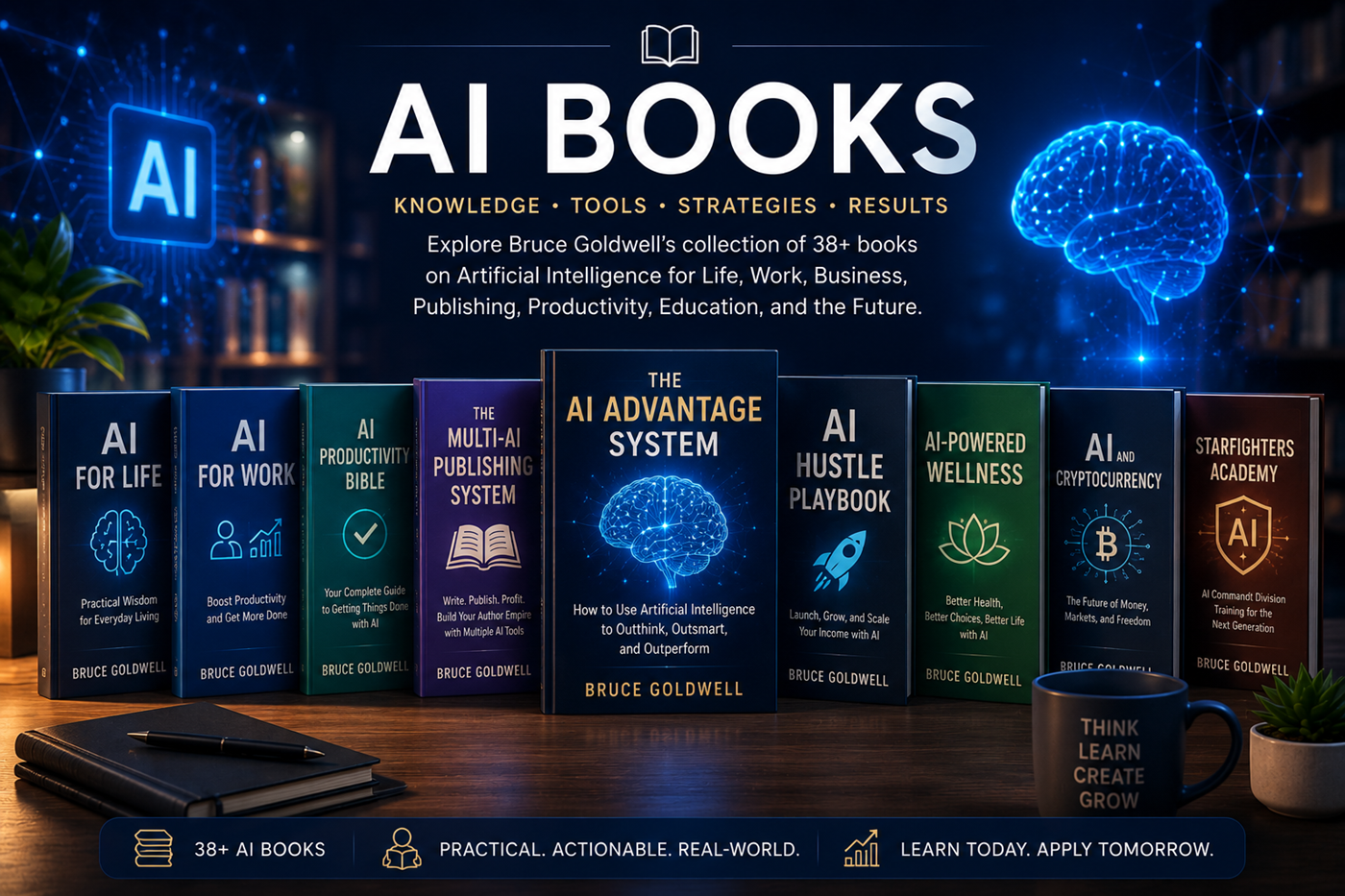
Bruce Goldwell’s AI-related books explore prompts, productivity, publishing, business, education, applications, automation, creative systems, and future technology.
The books connect practical AI use to larger systems for authors, entrepreneurs, creators, students, professionals, and lifelong learners.
Compare ChatGPT, Claude, Google Gemini, Grok, Perplexity, NotebookLM, and Replit by their strongest uses, research methods, source support, creative tools, coding capabilities, and project workflows.