Websites and Landing Pages
Create responsive webpages, business sites, author pages, knowledge centers, product pages, event pages, and promotional landing pages.
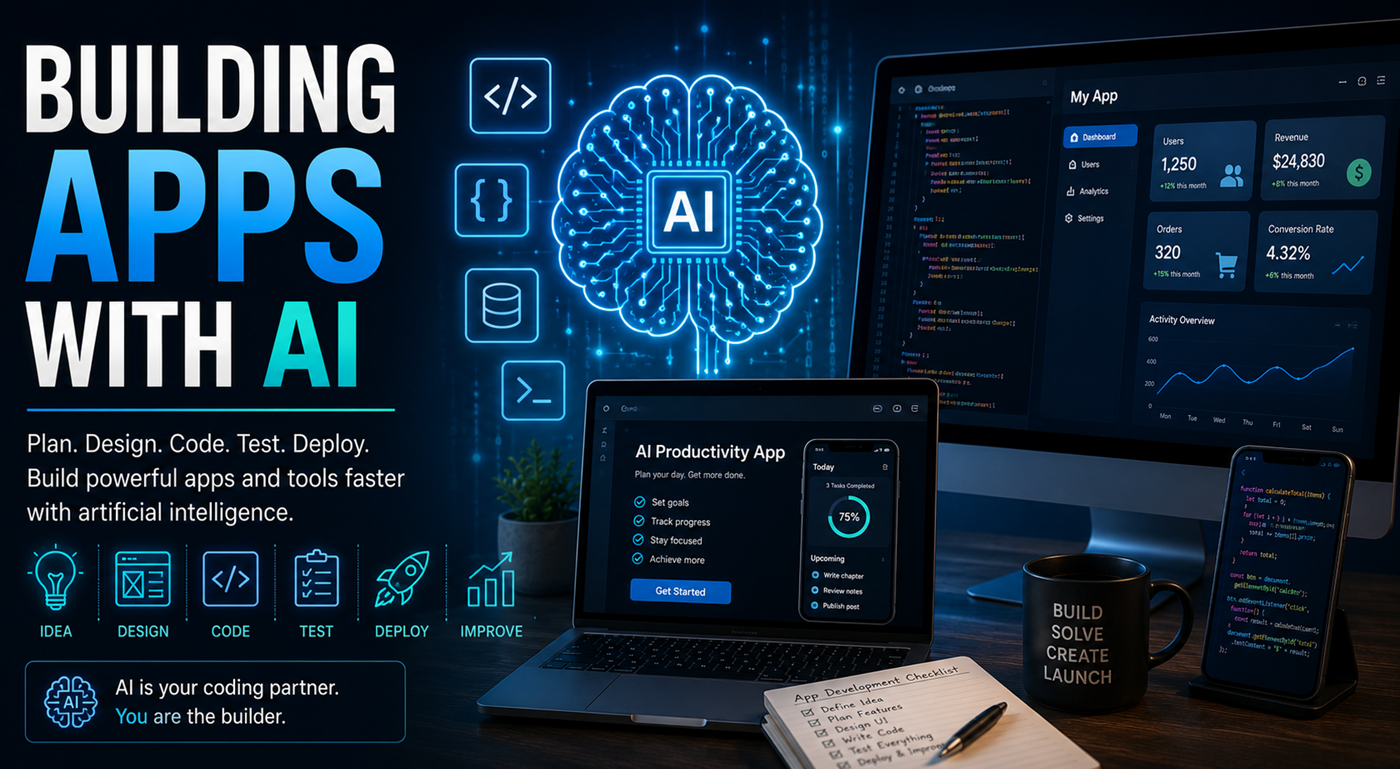
You no longer need to begin every software project with a blank screen. AI can help you define the idea, design the interface, write code, solve errors, test features, prepare deployment, and improve the finished application.
Building an app with AI means using an artificial intelligence assistant to help plan, create, review, test, and improve software.
The project may be a simple webpage, calculator, quiz, directory, publishing tool, dashboard, database, mobile-friendly application, educational program, customer portal, or full digital product.
You can describe what you want in ordinary language and ask an AI development system to generate a starting structure. The AI may create HTML, CSS, JavaScript, database code, interface components, setup instructions, and proposed fixes.
This does not mean the AI automatically understands every requirement or guarantees secure, reliable software. The strongest results come from clear planning, small development steps, careful testing, version control, and human supervision.
AI-assisted development can support simple personal projects as well as more advanced applications.
Create responsive webpages, business sites, author pages, knowledge centers, product pages, event pages, and promotional landing pages.
Build royalty calculators, pricing tools, savings estimators, conversion tools, planning worksheets, and interactive decision aids.
Develop educational quizzes, lesson modules, progress trackers, study tools, training programs, and certificate systems.
Display project progress, publishing information, sales data, tasks, schedules, research findings, or other organized information.
Create tools that help users generate outlines, titles, descriptions, keywords, prompts, checklists, plans, or personalized content.
Organize books, resources, products, locations, lessons, articles, contacts, or other searchable collections.
Build systems for accounts, saved information, personalized resources, gated content, memberships, and service requests.
Create internal tools that organize repeated processes, project steps, approvals, content production, and administrative tasks.
Developing the application in clear stages is more reliable than asking AI to build everything in one request.
Begin by identifying the problem the application will solve and the people who will use it.
Identify the smallest set of features that will make the application useful. This is often called a minimum viable product.
Write a clear project description containing the purpose, users, features, visual style, technical requirements, data needs, limitations, and desired result.
Decide what users see first, what actions they can take, how information is entered, and how the results are displayed.
Decide whether the application will use basic webpage code, a no-code platform, a low-code builder, an AI coding environment, or a traditional software framework.
Create and test the basic interface before adding advanced features, accounts, databases, payments, automation, or outside services.
Test the application with expected information, missing information, incorrect formats, unusually long text, small screens, and different user behaviors.
Determine what information the application collects, where it is stored, who can access it, and what protections are required.
Publish the application through a hosting service, connect the domain when needed, test the live version, and confirm that all pages, buttons, forms, and services work correctly.
Watch how people use the application, collect feedback, repair errors, simplify confusing steps, and add new features only when they provide real value.
A detailed app brief reduces misunderstandings and helps the AI create code that supports the same goal from beginning to end.
AI can assist with nearly every stage, but the code should still be reviewed and tested.
Create a basic page, form, navigation system, calculation function, database structure, or interface component.
Ask the AI to explain what each section does, what information it depends on, and what may happen if it is changed.
Provide the exact error message, relevant code, expected result, and what actually happened.
Ask for clearer labels, better mobile layouts, improved spacing, readable typography, and more helpful feedback.
Add search, filtering, saved results, downloadable files, user preferences, data displays, or other features one at a time.
Ask AI to generate test cases for normal input, incorrect input, empty fields, unusual behavior, and failure conditions.
“It does not work” is not enough information. Effective debugging requires the exact code, error, environment, expected behavior, and actual behavior.
Copy the complete error message instead of summarizing it. Include the line number when available.
Describe what the application should have done and what it did instead.
Include the section connected to the error and any other functions, files, or variables it depends on.
Tell the AI what was changed immediately before the error appeared.
Large rewrites may create new problems. Begin with the smallest likely correction.
Keep a copy of the last functioning version so you can return to it if a proposed repair fails.
An author may want to create a simple application that generates book-title ideas based on genre, topic, audience, and tone.
Not every application requires the same level of technical development.
No-code platforms use forms, visual components, templates, automation, and drag-and-drop interfaces.
They can work well for prototypes, directories, forms, simple member systems, and internal tools.
Low-code systems combine visual development with the ability to add scripts, custom logic, integrations, and specialized features.
They provide more flexibility while reducing the amount of code written from the beginning.
AI development environments can turn written instructions into code, explain the project, fix errors, and deploy applications.
This approach can be powerful, but users still need to test and understand what the application is doing.
AI-generated code may function during a demonstration while still containing security weaknesses, poor data protection, or failure conditions.
Treat information entered by users as potentially incorrect or harmful. Validate type, length, format, and allowed values.
Never place passwords, database credentials, private keys, or secret API information directly inside public webpage code.
Collect only the information necessary for the application to perform its intended purpose.
Authentication, password storage, account recovery, and access permissions require established security practices.
Uploaded files can introduce malware, privacy risks, storage problems, and unauthorized content.
Understand what information is sent to external AI systems, payment processors, analytics tools, databases, and other providers.
Test the live application as if you were a new user who does not know how it was built.
Large instructions can create complicated code that is difficult to understand, test, or repair.
Unnecessary features increase cost, confusion, security risk, maintenance, and the number of possible errors.
You should know the purpose of important files, functions, data connections, and services before publishing the app.
A large AI rewrite may remove important features or introduce new bugs. Save versions before major changes.
An application that looks correct on a desktop may be difficult or impossible to use on a smaller screen.
Working forms, user accounts, payments, databases, and file uploads may contain hidden security weaknesses.
The AI may suggest the structure, generate functions, explain errors, and recommend improvements. The builder decides what the application should do, what information it may collect, what risks are acceptable, and whether the application is ready for other people to use.
Treat AI as a development partner rather than an unquestioned authority. Ask it to explain decisions, challenge its assumptions, test its work, and obtain expert review when the project involves important security, privacy, financial, legal, medical, or safety requirements.
The most valuable application is not always the most complicated. Begin with one clear audience, one meaningful problem, and one useful result. Let AI help you move from concept to prototype while you provide the purpose, judgment, testing, and human direction.